
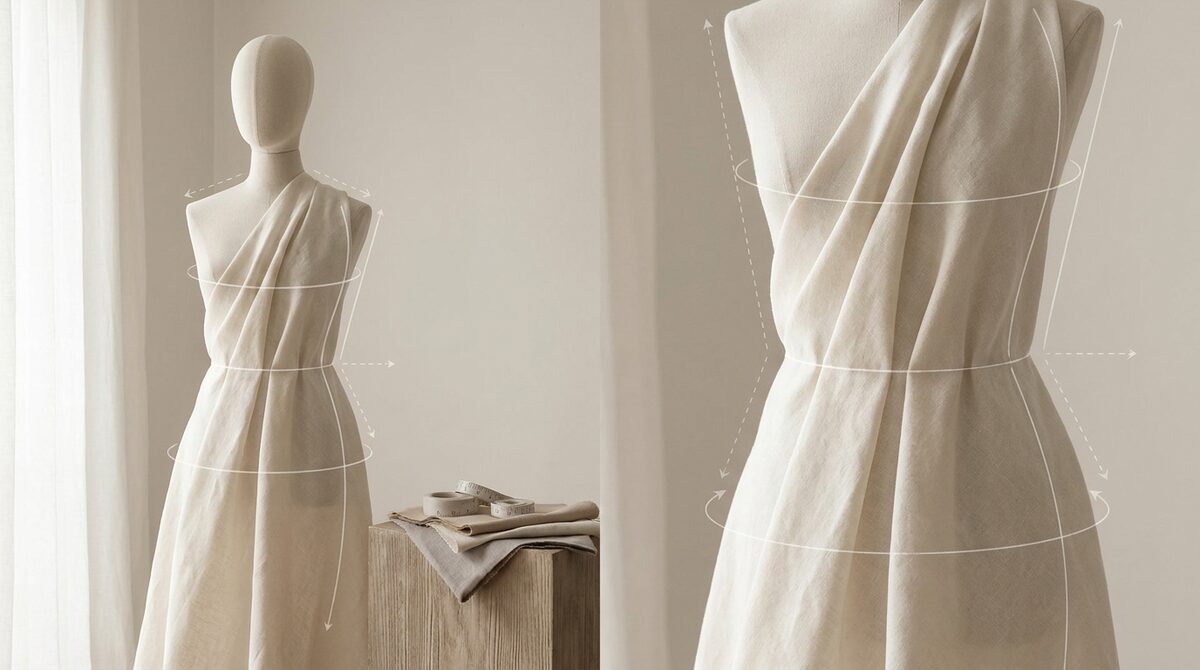
An AI clothing generator spins garment images from a prompt in seconds, which is brilliant for concepts and content — but generated pictures do not close sales by themselves. 1Match supplies the missing conversion step: virtual try-on that lets shoppers see real garments on their own body from existing product photos, capturing first-party leads, driving funnel analytics, and keeping every image zero-storage and GDPR-safe.
What an AI clothing generator is good for
An AI clothing generator turns text or reference images into finished-looking garment visuals almost instantly. That makes it a fast, cheap engine for moodboards, campaign concepts and social content — a fashion-first way to explore ideas without a photoshoot. For a lean Shopify brand, it removes a real bottleneck at the top of the funnel.
Where an AI clothing generator falls short
The limitation is that a generated image is a picture, not a product a shopper can trust on their own body. AI clothing generator output can warp proportions, invent impossible seams, and never answers "will this fit and flatter me?" On a product page, that unanswered question is what drives abandoned carts and returns. Generation creates desire; it does not confirm fit.
There is a trust dimension too. Shoppers are increasingly savvy about AI imagery, and a generated model wearing a garment that does not exactly match what ships can breed skepticism — or worse, returns when reality disappoints. The safest use of a generator is for concepts and atmosphere, while the product page itself relies on honest photography and try-on that shows the actual item on the actual buyer.
The best AI clothing generator tools, compared
If you are shopping for an AI clothing generator, weigh prompt control, image quality and how the output plugs into an actual selling workflow.
1. General image models
Pros: Enormous creative range from a single prompt.
Cons: No garment logic; fit and construction are guesses.
Verdict: Best for concept art and marketing, not product truth.
2. Fashion-specific generators
Pros: Trained on apparel, so silhouettes and drape look more plausible.
Cons: Still imagery; commercial use often gated behind paid tiers.
Verdict: A solid ideation tool for apparel teams.
3. Virtual try-on (the conversion layer)
Pros: Maps your real, photographed garment onto a real shopper — the step that converts and cuts returns.
Cons: Works on finished products, not raw prompts.
Verdict: This is where 1Match turns generated hype into sales. See the virtual fitting room explained.
| Tool | Creates | Confirms fit? |
|---|---|---|
| General model | Concept images | No |
| Fashion generator | Apparel visuals | No |
| Virtual try-on | Shopper wearing product | Yes |
From generated image to real conversion
Once your real garment is manufactured and photographed, 1Match lets shoppers upload a photo and see it on themselves — no 3D, no reshoot, straight from existing product photos, with strong image quality across hands, face and body. Brands that add try-on typically cut returns 25–40% and raise add-to-cart 18–28%. Compare the field in our best Shopify try-on apps roundup and the complete try-on guide.
Generator plus try-on: the full funnel
Think of your storefront as a funnel with two very different jobs. At the top, an AI clothing generator manufactures attention — fresh visuals, campaign concepts and social scroll-stoppers produced faster than any studio could shoot them. At the bottom, virtual try-on manufactures certainty, letting a shopper confirm the real garment on their real body before they commit. Generators without try-on fill the funnel but leak at checkout; try-on without content has nothing to convert. You need both.
The payoff of connecting them is measurable. Every try-on is also a data point — which looks get tried, which convert, which come back — so the imagery you generate next is guided by evidence instead of guesswork, and the whole funnel tightens over time.
Ten minutes to add the missing step
Use an AI clothing generator to imagine and market; use try-on to sell. 1Match installs on Shopify in about ten minutes and works from the photos you already have — no 3D, no reshoot. Let generators fuel the top of your funnel and let 1Match close the bottom — one growth engine combining try-on, native lead capture, funnel analytics and zero-storage, GDPR-safe image handling.
Frequently asked questions
What is an AI clothing generator?
An AI clothing generator is a tool that creates images of garments or full outfits from text prompts or reference photos. It is used for ideation, marketing visuals and concept exploration. The output is imagery, not a manufacturable pattern, so it complements rather than replaces production tooling.
Can an AI clothing generator put clothes on a real person?
Some generators can composite a garment onto a model image, but results vary and often distort fit. For reliable, store-ready results on a real shopper, a dedicated virtual try-on app like 1Match is more accurate because it is built specifically to map real garments onto real bodies from product photos.
Are AI clothing generators free?
Many offer a free tier with limited credits or watermarks, while higher resolution and commercial use usually require a paid plan. For a Shopify store, the cost that matters more is conversion, so weigh a generator against tools that directly lift add-to-cart and cut returns.
How do AI clothing generators help my online store?
They speed up content and concept creation, but they do not close sales on their own. The revenue step is letting shoppers see garments on their own body via virtual try-on, which reduces fit-related returns and raises add-to-cart on your product pages.
 Install on Shopify