
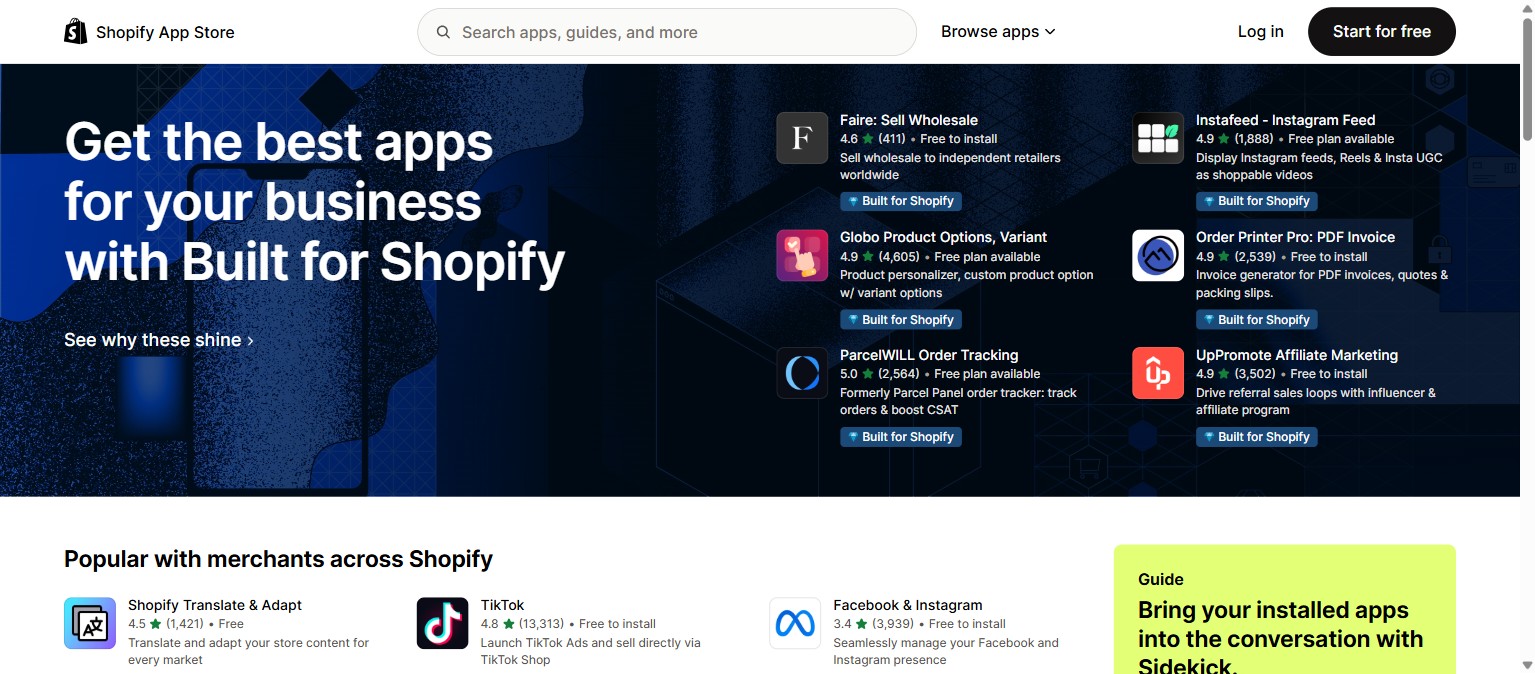
First: it’s probably you, not Shopify
The Shopify App Store is one of the most-used pages on the internet. If it were genuinely down, it would be down for everyone and all over social media. So when only apps.shopify.com won’t load for you — while the rest of Shopify works — the block is local: your browser, your network, or something in between.
Why apps.shopify.com gets blocked
- Ad blockers & privacy extensions — the #1 cause. Aggressive blockers can break the App Store’s scripts so the page never finishes loading.
- Network firewall — corporate, school and public Wi‑Fi often block or filter domains, including parts of shopify.com.
- VPN or proxy — some VPN exit nodes are rate‑limited or geo‑filtered by Shopify’s security.
- DNS issues — a stale or filtered DNS resolver can fail to reach the App Store’s servers.
- Antivirus / security software — web-shield features sometimes block e‑commerce domains by mistake.
- Corrupted cache or cookies — old, broken cookies for shopify.com can stall the page.
How to fix it, in order
- Disable ad blockers and extensions — or open an incognito/private window (extensions are usually off there) and retry.
- Try another browser — Chrome, Firefox, Safari, Edge. If it works in one, the issue is browser-specific.
- Try a different network — switch to your phone’s mobile data or a hotspot. If it loads there, the block is your Wi‑Fi/firewall.
- Turn off your VPN or proxy and retry.
- Change your DNS — set it to Cloudflare (1.1.1.1) or Google (8.8.8.8), then flush your DNS cache.
- Clear cache and cookies for shopify.com, or hard-refresh the page.
- On a work/school network — ask IT to allow *.shopify.com through the firewall.
- Still stuck? Check Shopify’s status page to rule out a real outage, then try again later.
Once you’re back in, install the apps that matter
The App Store is worth reaching because a few good apps genuinely move revenue. For a fashion store, the highest‑impact one is virtual try-on. 1Match lets shoppers see any product on themselves before buying, which lifts conversion and cuts returns 25–40%. It works from your existing product photos, supports clothing, eyewear and jewelry, and installs in minutes. See our guide to the best Shopify app for a clothing store.
Frequently asked questions
Why is apps.shopify.com blocked?
Almost always something on your side: an ad blocker or extension, a firewall on corporate/school/public Wi‑Fi, a VPN, a DNS problem, or antivirus. The App Store itself is rarely down.
How do I fix it not loading?
In order: disable ad blockers/extensions (or use incognito), try another browser, then try mobile data. If mobile works, switch to a public DNS (1.1.1.1 / 8.8.8.8), turn off the VPN, and clear your cache.
Is it down for everyone?
Usually not — an outage would be widespread. Check Shopify’s status page. If the rest of Shopify loads but only the App Store is blocked, it’s local to you.
What should I install once it works?
For a fashion store, virtual try-on — 1Match lifts conversion and cuts returns 25–40%, from your existing photos, across clothing, eyewear and jewelry.
 Install on Shopify