
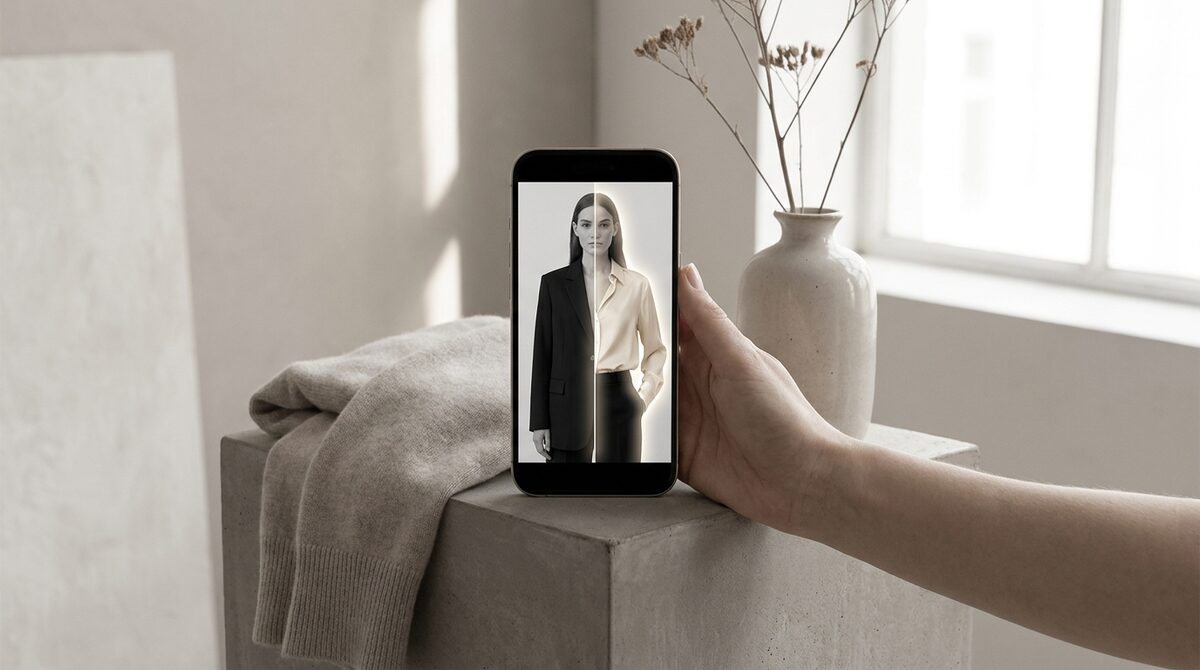
Yes — several web tools offer a free AI clothes changer no sign up, letting you swap an outfit on a photo instantly without an account. They are great for a single edit. But if you run a Shopify store, a retail-grade tool turns that same try-on into a growth engine: it converts shoppers, captures first-party leads, powers funnel analytics, and keeps photos zero-storage and GDPR-safe. 1Match does that in a 10-minute setup.
What "no sign up" really gets you
A free ai clothes changer no sign up tool trades friction for limits. You skip the account, but you usually accept a watermark, reduced resolution, a daily cap, or a queue. For restyling one photo that is a fair deal. For anything repeatable — or anything involving other people's photos — the trade-offs start to matter.
When a no-sign-up tool is the right call
Reach for one when you want a quick, disposable result: testing a look, making a meme, or previewing a single garment on yourself. There is no reason to pay or register for a one-off. Just pick a tool that states what it does with your upload, because many keep the image.
When it is the wrong call
The moment you are selling, the calculus flips. A free no-sign-up changer cannot run across your catalogue, cannot sit on a product page, and cannot capture the shopper as a lead or log the interaction in analytics. It also cannot promise privacy. Running customer photos through an anonymous free tool is a compliance risk you do not want. This is the gap a proper store virtual try-on closes.
Free tool vs store-grade, side by side
| Feature | Free, no sign up | 1Match (store) |
|---|---|---|
| Account needed | No | Shopify install |
| Runs on your catalogue | No | Yes |
| Watermark / caps | Common | None |
| Lead capture + analytics | No | Yes |
| Zero-storage / GDPR-safe | Rarely | Yes |
The privacy point most people miss
Free and frictionless usually means your photo pays the bill. Many no-sign-up services retain uploads to improve their models. For a shopper that is annoying; for a merchant handling customer images it is a legal problem. A zero-storage, GDPR-safe tool processes the try-on and keeps nothing, which is why it is the only responsible option once real customers are involved.
The honest bottom line
Use a free AI clothes changer with no sign up for what it is good at — fast, throwaway edits. To sell clothes online, you need catalogue coverage, realism, lead capture and privacy, and those only come from a retail tool. See how the two compare in our try-on apps roundup.
How to vet a no-sign-up tool before you upload
If you are going to use a free ai clothes changer no sign up tool, spend thirty seconds vetting it first. Look for a plain-language statement about what happens to your photo — is it deleted after processing, or kept? Check whether the output carries a watermark and what resolution you get. Prefer tools that process and discard over ones that are silent about retention. And never upload someone else's photo, or a customer's, to an anonymous free service; that is exactly the situation where a zero-storage, GDPR-safe vendor is the only responsible choice.
The upgrade path when a store outgrows free
Most sellers start by playing with a free tool and quickly hit its ceiling: they want it on every product, tied to the cart, and reporting results. That is the natural moment to move to a Shopify-native try-on. The switch is not a big project — a store-grade app installs in about ten minutes and runs on the same product photos you already have, so there is no migration pain. What you gain is catalogue coverage, realism you can rely on, native lead capture, funnel analytics, and a genuine privacy guarantee. The free tool was a sandbox; the store app is the real thing.
The bottom line
A free, no-sign-up clothes changer is a perfectly good tool for what it is: a fast, disposable way to swap an outfit on your own photo. Just read the retention note before you upload, and never push someone else's image through an anonymous service. The moment you are trying to sell, though, the free tool runs out of road — it cannot cover your catalogue, capture a lead, or promise privacy. That is the point to graduate to a Shopify-native try-on, which installs in about ten minutes on the photos you already have. Think of the free tool as the sandbox and the store app as the business, and use each for the job it was built for.
When you are ready to make try-on a Shopify growth engine — converting browsers into try-ons, capturing native leads, feeding funnel analytics, and keeping every photo zero-storage and GDPR-safe — you can add 1Match in about ten minutes.
Frequently asked questions
Is there a free AI clothes changer with no sign up?
Yes, several web tools let you swap clothes on a photo without creating an account, usually with watermarks, low resolution or daily limits. They are fine for a quick one-off image but not for running a store, where you need catalogue coverage and privacy controls.
Are no-sign-up clothes changers safe?
Be careful. A free ai clothes changer no sign up tool often uploads your photo to a shared server and may keep it to train models. If privacy matters, use a vendor with a clear zero-storage policy, such as 1Match for retail use.
Why would a store not use a free no-login tool?
Free no-login tools cannot run on your full catalogue, cannot attach a try-on to a product page, and cannot capture leads or analytics. They also often store uploads. A store needs a retail-grade tool that turns try-on into revenue, not a one-shot editor.
What is the catch with free AI clothes changers?
The usual trade-offs are watermarks, limited resolution, daily caps, queues and uncertain data handling. You get a quick result at the cost of quality, control and privacy. For a business those costs outweigh the zero price.
 Install on Shopify