
Short answer: a Shopify app detector loads a store's public storefront, fingerprints the scripts and CDN URLs it serves, and matches them against a database of known apps. Free tools like ShopScan, TrendTrack and EachSpy do this in a few seconds from a store URL. They will reliably find anything that touches the page — reviews, upsells, chat, pop-ups, try-on widgets — and they will miss everything that lives in the admin, in checkout or server-side.
Every Shopify storefront ships its own app list to the browser. Not on purpose — it's just how app extensions work. When a store installs a reviews widget, an upsell app or a virtual try-on tool, that app has to inject something into the page to do its job: a script tag, a theme app block, a stylesheet pulled from a CDN. All of it is public. All of it is readable with Ctrl+U.
A detector is just a machine that reads it faster than you do, and knows which fingerprint belongs to which app.
How a Shopify app detector actually works
There is no magic and no private API. The tool does four things:
- It fetches the storefront HTML the same way your browser does.
- It extracts every asset URL —
<script src>,<link href>, inline config blobs. - It looks for known signatures. Shopify app extensions load from
cdn.shopify.com/extensions/…with the app handle right there in the path. Older apps use their own domain, which is just as identifying. - It matches against a database mapping each fingerprint to an app name and its App Store listing.
The consequence matters more than the mechanism: a detector can only see what the page shows it. That single sentence explains every result you'll get, and every result you won't.
The 3 best free Shopify app detectors
1. ShopScan — the deepest app database
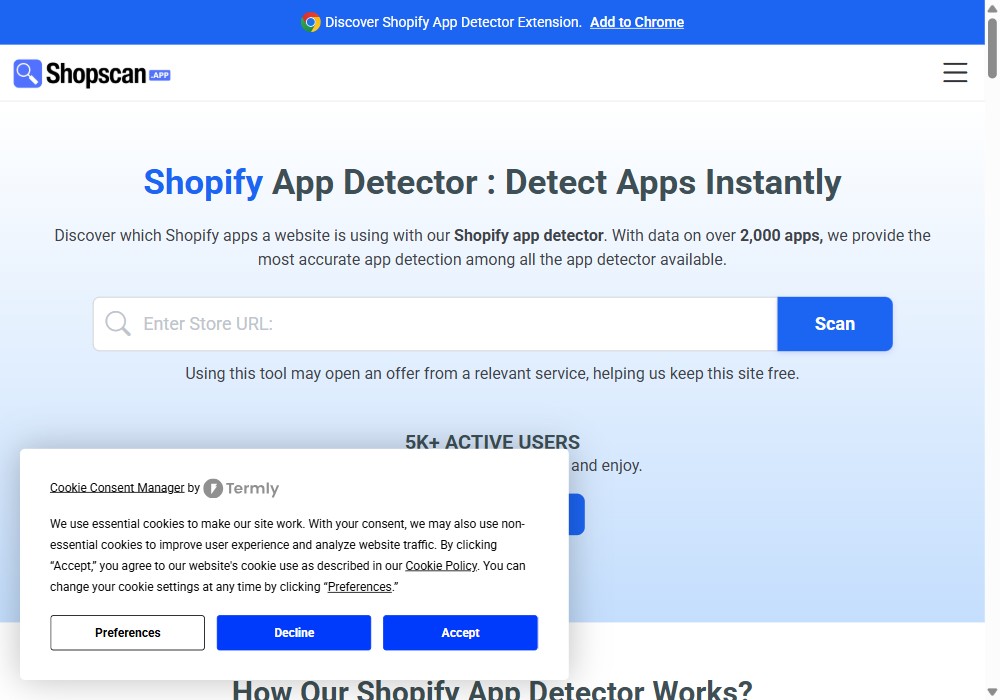
ShopScan is the closest thing to a specialist. It runs as both a web tool and a Chrome extension, and it advertises coverage of more than 2,000 apps — the widest fingerprint database of the three. Paste a URL, get the app list plus the theme.
Advantages
- Largest app database of the free tools — catches the long tail, not just the top 100 apps.
- Chrome extension: detect apps while you browse, without leaving the store.
- Returns the theme alongside the apps.
- Free, no account needed for a basic scan.
Drawbacks
- The extension is the good experience; the web version is more basic.
- Like every detector, it lists what is on the page — a store running 30 apps may only show 12.
Verdict: the default pick if you scan stores regularly. Install the extension and stop thinking about it.
2. TrendTrack — detector plus market context
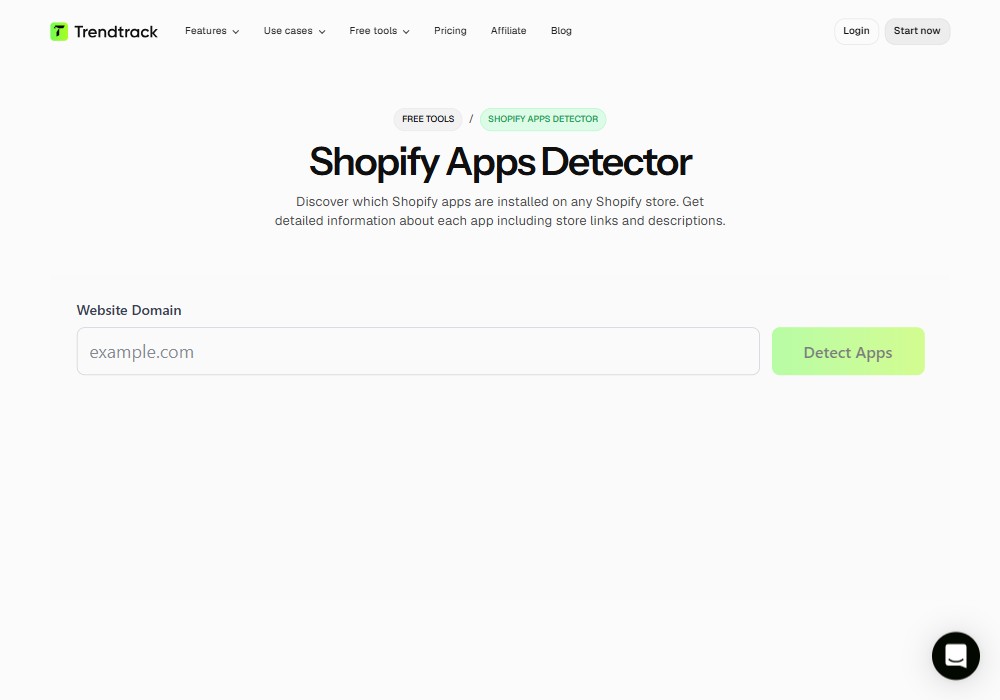
TrendTrack ships its detector as a free lead-in to a broader ecommerce intelligence product. The detection itself is real-time and gives you each app's description and a direct link to its App Store listing — which turns a raw list into something you can act on immediately.
Advantages
- Every detected app comes with a description and a marketplace link — no second search.
- Clean, fast interface; nothing to install.
- Sits inside a wider store-analysis suite if you want traffic and product data later.
Drawbacks
- The free tool is a funnel into a paid product — expect upsell prompts.
- Detection depth is good, not exhaustive.
Verdict: the best output format. Use it when you want to understand a stack, not just enumerate it.
3. EachSpy — the fastest no-signup scan
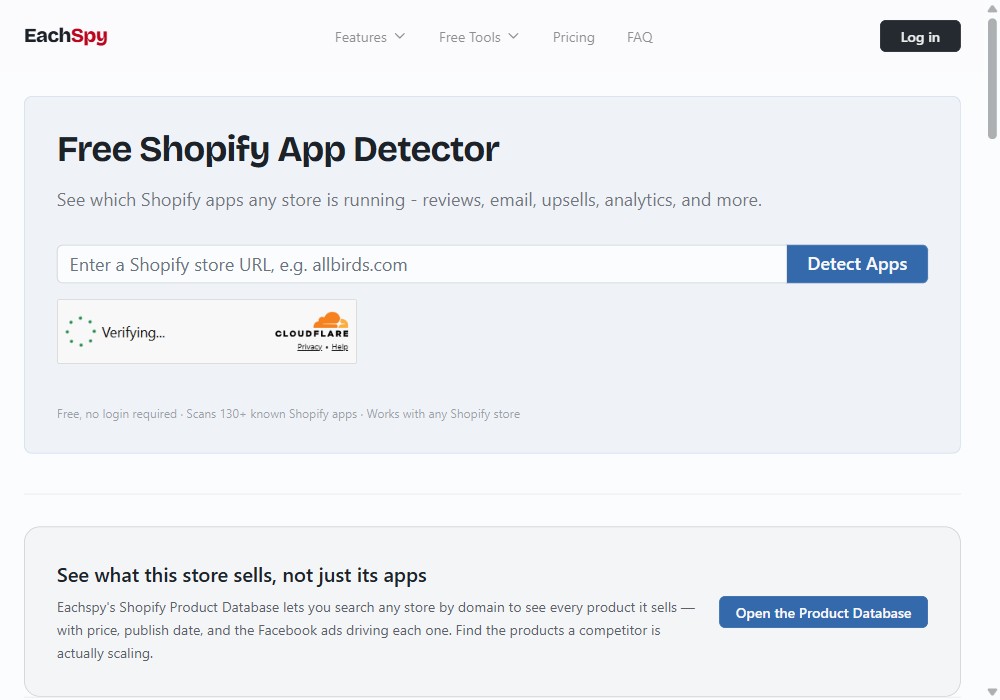
EachSpy's detector is built around one promise: no friction. No account, no email, no extension. It returns the installed apps, the theme, the tech stack and the store's social profiles in one pass.
Advantages
- Zero sign-up — genuinely instant.
- Broadest report: apps and theme and tech stack and socials.
- Ideal for one-off checks and competitor sweeps.
Drawbacks
- Smaller fingerprint database than ShopScan — more likely to miss niche apps.
- No browser extension, so bulk work means a lot of copy-pasting.
Verdict: the one to use when you have one store to check and zero patience.
What no Shopify app detector can see
This is the part the tools don't advertise, and it's the reason a competitor's list always looks shorter than reality:
- Admin-only apps. Invoicing, accounting, inventory sync, fulfilment, bulk editors. They never render a pixel on the storefront, so they never appear.
- Checkout extensions. They only load on the checkout, which a detector never reaches.
- Server-side and webhook apps. Email flows, CRM syncs, ERP connectors — invisible by design.
- Shopify Flow automations. Pure backend logic.
- Apps that are installed but disabled on the page you scanned.
Rule of thumb: a detector shows you the storefront stack. That's typically the conversion layer — reviews, upsells, pop-ups, chat, search, try-on — which happens to be exactly the layer you care about when you're benchmarking a competitor.
How to detect Shopify apps manually, in 30 seconds
You don't strictly need a tool. On any Shopify store:
- Press Ctrl+U (Cmd+Option+U on Mac) to open the page source.
- Press Ctrl+F and search for
cdn.shopify.com/extensions. Every match is a theme app extension, and the app's handle is right in the URL path. - Search for
.jsand scan the third-party domains — vendor names are usually unmissable. - Search the store's
/apps/proxy routes, which app proxies expose publicly.
It's slower, but it never lies: you're reading the exact bytes the store sends. When a detector and the source disagree, the source wins.
What to actually do with the list
Detecting apps is a means, not an end. Three uses that pay off:
- Benchmarking. If six of the ten best stores in your niche run the same review app and the same try-on widget, that's not a coincidence — it's a tested stack.
- Performance audit. Run the detector on your own store. Apps you no longer use often keep injecting scripts long after you stopped caring about them. Every orphaned script is load time you're paying for.
- Gap-finding. The interesting insight is rarely what a competitor runs — it's what nobody in your category runs yet.
Scanning apparel stores? The category most visible to a detector is the conversion layer, and in fashion that increasingly means virtual try-on. 1Match adds an AI try-on to a Shopify store in about ten minutes — no 3D modelling, no photoshoot — with strong image quality across clothing, accessories and footwear. It's the kind of app that shows up on a detector precisely because customers see it.
FAQ
What is a Shopify app detector?
A tool that loads a store's public storefront, scans the HTML, script tags and CDN URLs it serves, and matches those fingerprints against a database of known apps. Paste a store URL, get the app list — usually with the theme.
Is a Shopify app detector accurate?
Accurate for apps that inject something into the storefront. Blind to apps that run only in the admin, in checkout, or server-side. It finds the visible half of a store's stack.
Is using a Shopify app detector legal?
Yes. Detectors read code the store already sends to every visitor's browser — the same thing you'd see with "View page source". No login, no private data.
Can I detect Shopify apps without a tool?
Yes. Ctrl+U on the storefront, then search for cdn.shopify.com/extensions or a vendor name. Slower, but it never misses what is actually on the page.
Why do detectors miss some apps?
Because admin-only apps, checkout extensions, Shopify Flow automations and server-side integrations leave no storefront footprint at all.
 Install on Shopify