
Every Shopify plan already includes Shopify POS Lite for free: one register, in-person checkout, and inventory synced with your online store. You only need a different app, or the paid Shopify POS Pro upgrade, once you add locations, staff, or retail features Lite doesn't cover.
What Shopify POS actually includes for free
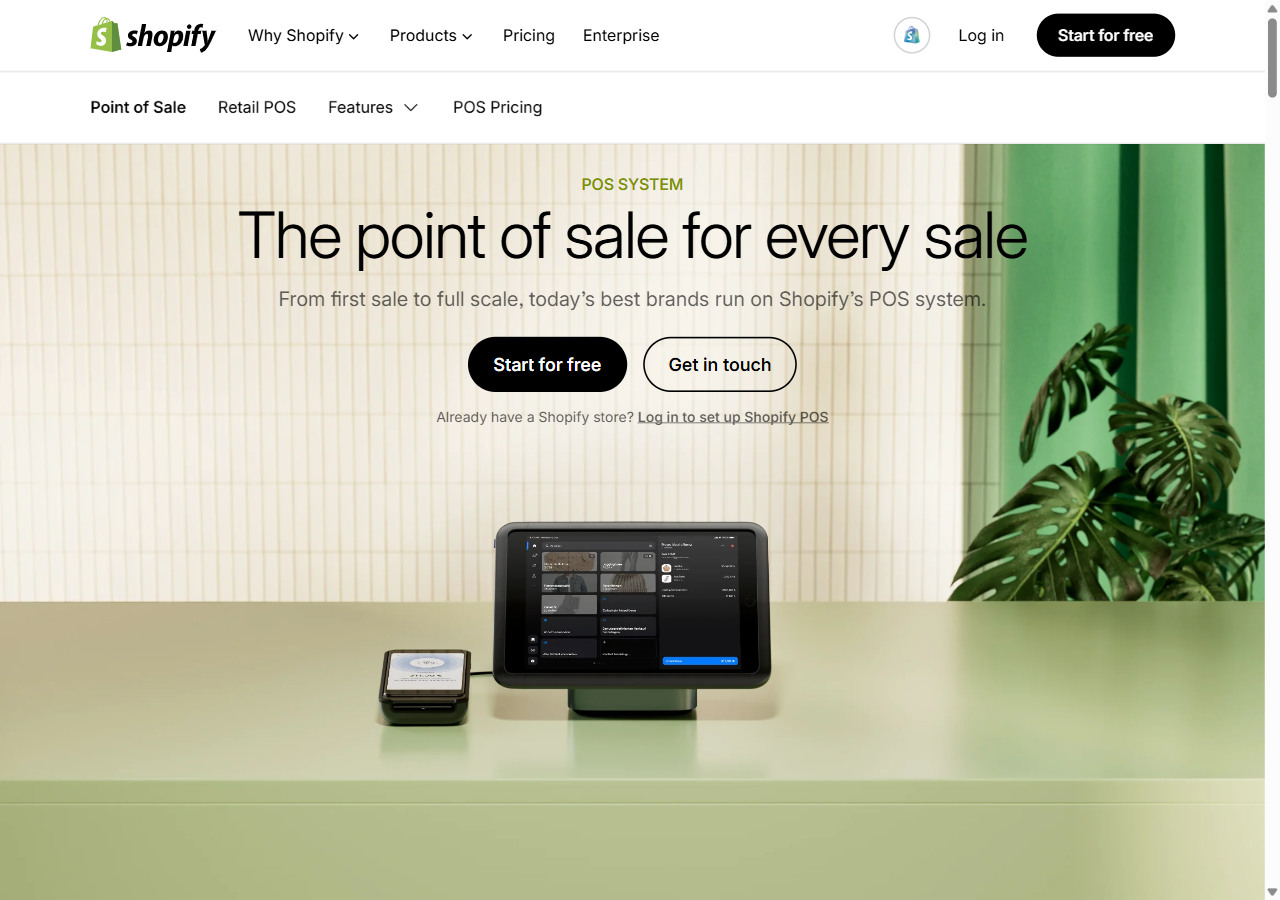
Every Shopify plan, from Basic upward, bundles Shopify POS Lite at no extra cost. It runs on the free Shopify POS app (iOS or Android) and covers the basics most small stores and pop-ups actually need: card and cash checkout, one register, product and inventory sync with your online store, basic sales reporting, and gift cards. If you're testing a market stall or opening a single small shop, this alone is usually enough to start.
When the free plan stops being enough
Lite starts to feel tight in a few specific situations, not "as you grow" in general:
- More than one physical location. Lite tracks inventory per location but doesn't give you the centralized reporting or transfer tools multi-location retail actually needs.
- Staff accountability. No individual staff PINs or sales-by-employee reporting on Lite, which matters the moment you're not the only person on the till.
- Cross-channel returns and exchanges. Handling a return in-store for something bought online (or the reverse) is where Lite's limits show up fastest for fashion retailers specifically.
- Local delivery or curbside pickup managed from the same POS screen as walk-in sales.
Shopify POS Pro: what $89/month actually unlocks
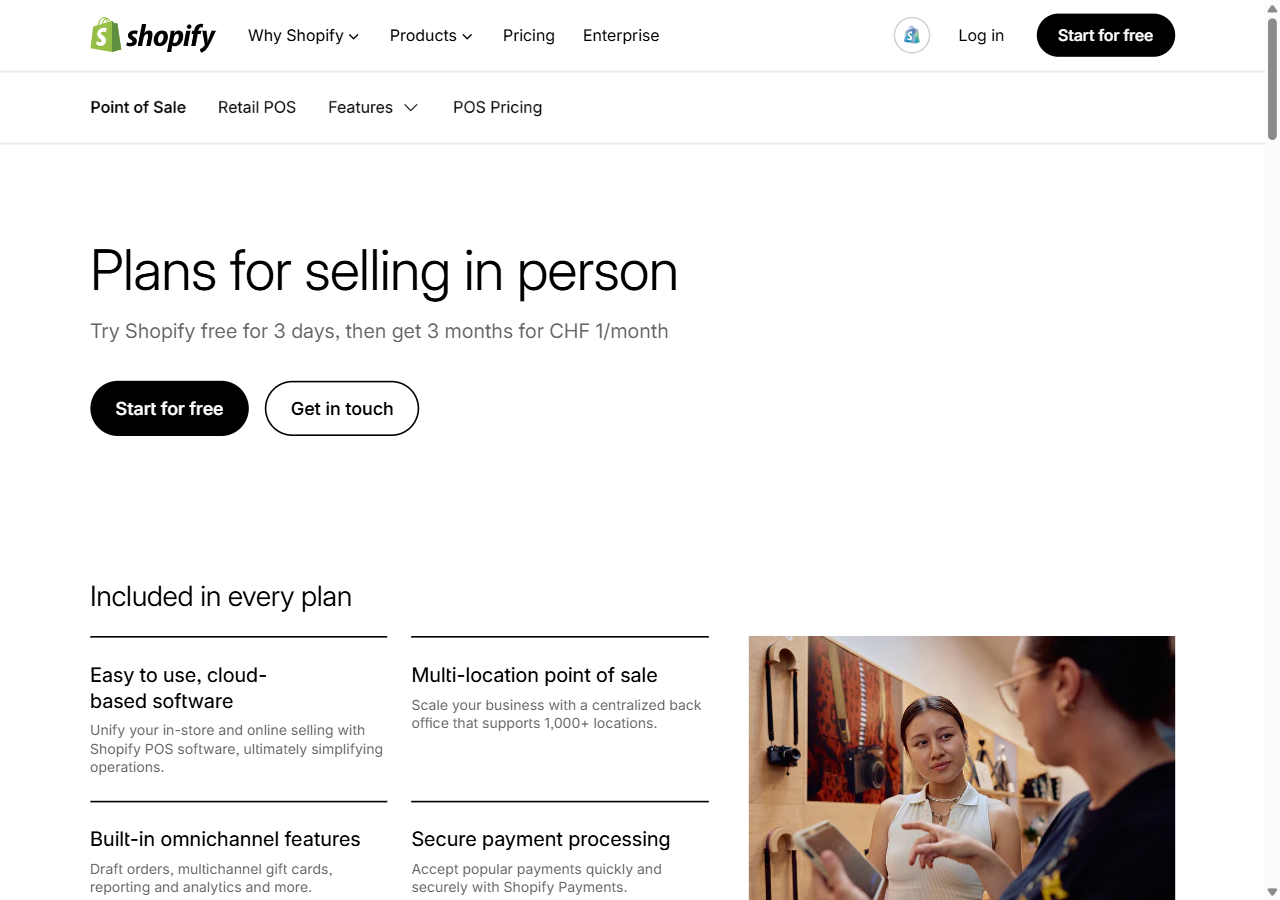
Shopify POS Pro is priced per location, currently $89/month, and adds the pieces Lite leaves out: unlimited staff PINs and permissions, detailed shift and sales-by-staff reports, local delivery and curbside pickup built into the POS screen, and smoother cross-channel exchanges. For a single small shop it's rarely worth it. For two or more locations, or a store that genuinely blends online and in-person selling (buy online, return in store, and back), it usually pays for itself in reduced staff time and fewer reconciliation headaches within the first couple of months.
Third-party alternatives worth knowing about
Native Shopify POS isn't the only option, and for some retailers it isn't the right one:
- Lightspeed Retail — stronger purchase-order and vendor management, a common pick for retailers migrating an existing multi-location business onto Shopify rather than starting fresh.
- Square — a reasonable fit if you're already deep in Square's ecosystem for payments or a restaurant/service side of the business, though the Shopify sync is less native than Shopify's own POS.
- Erply — built for franchise and complex multi-location retail with more granular permission and reporting needs than either Shopify or Lightspeed cover out of the box.
For most single-brand fashion and apparel stores, native Shopify POS (Lite or Pro) is simpler because inventory, orders and customer profiles stay in one system with zero sync lag. Third-party POS earns its complexity when you have specific retail requirements Shopify doesn't natively solve.
The hardware you'll actually need
Software is only half the setup. A realistic single-register budget:
- Card reader — Shopify's Tap & Chip reader, around $49.
- Tablet or dedicated terminal — an iPad you already own works fine to start, or Shopify POS Go, an all-in-one handheld terminal, around $399.
- Receipt printer — roughly $200–300 for a compatible thermal printer.
- Cash drawer — around $100 if you accept cash at all.
A lean starter kit (reader plus an existing tablet) can run under $100. A full dedicated setup with printer and drawer lands closer to $600–800 per register.
For fashion and apparel retailers specifically
The hardest part of blending online and in-store fashion retail usually isn't the POS itself, it's keeping fit and sizing consistent across both. A customer who sees an item look right on themselves online, via virtual try-on, should get the same confidence walking into your store, and a return started in-store for an online order shouldn't require guessing which size actually fits. See how the best apparel brands on Shopify handle this blend of channels, and if returns from fit mismatches are your real cost center rather than the POS hardware itself, 1Match's virtual try-on lets shoppers see clothing on themselves before buying online, cutting returns 25–40% so fewer of them ever reach your in-store counter in the first place. Once your POS and inventory basics are sorted, our list of free Shopify apps worth installing is a good next stop.
Frequently asked questions
What is Shopify POS?
Shopify's own point-of-sale app for selling in person. It syncs inventory, orders and customer data with your online store in real time.
Is Shopify POS free?
Lite is bundled free with every plan and covers one register and basic checkout. POS Pro is $89/month per location and adds multi-location and staff features.
Is Shopify POS Pro worth it?
Usually not for a single small shop. Worth it once you have multiple locations, need staff-level tracking, or want seamless cross-channel exchanges.
Can I use a non-Shopify POS with my Shopify store?
Yes, Lightspeed Retail, Square and Erply all connect to Shopify, useful if you're migrating an existing business or need retail features Shopify POS doesn't cover.
What hardware do I need for Shopify POS?
At minimum a card reader (~$49). A full single-register setup with tablet, printer and cash drawer typically runs $300–800.
 Install on Shopify