
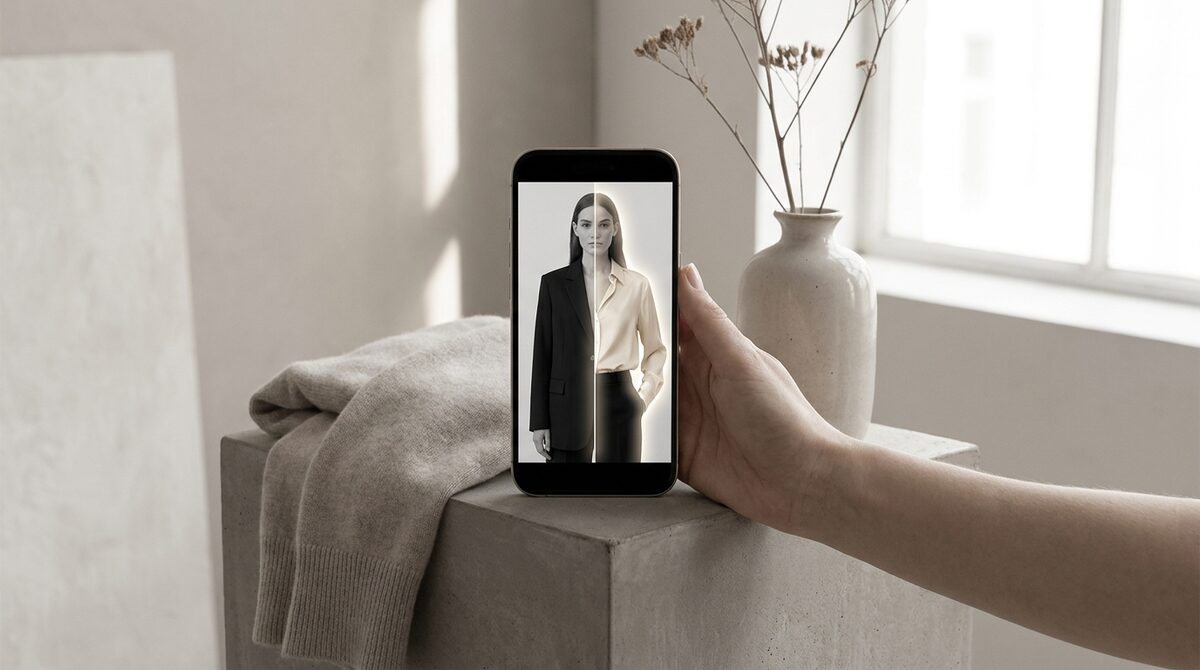
The simple way to change colour of clothes
To change colour of clothes convincingly, the tool has to do more than fill an area. It masks the garment, then edits the hue underneath the existing light, so a beige coat becomes burgundy without losing its folds or sheen. The whole process takes seconds and needs no design skill.
Why realism depends on light, not colour
Counterintuitively, the secret to a believable colour change is preserving brightness. Every fold, seam and shadow is a variation in luminance. If the tool keeps that map and only rotates hue, the garment reads as real. If it overwrites brightness with a flat colour, it looks like a sticker. This is the single biggest quality difference between tools.
Manual editing vs. shopper-driven colour
| Method | Who does the work | Best for |
|---|---|---|
| Manual recolor | You | Marketing assets |
| AI recolor app | You, faster | Quick variants |
| Virtual try-on | The shopper | Live sales |
Editing colours yourself is fine for a lookbook. But the higher-leverage move is letting the shopper change the colour on their own photo. That interactivity is what turns a colour tool into a sales tool, as our clothes changer explainer describes.
Colour confidence, fewer returns
Colour is one of the most disappointing surprises in fashion e-commerce — the shade on screen rarely matches the parcel. Since around 70% of apparel returns stem from fit and expectation gaps, letting buyers confirm the true colour on themselves directly protects margin. Try-on stores see 25–40% fewer returns and an 18–28% add-to-cart lift. For more, read our returns-reduction guide.
Built for real stores
A store-grade colour changer installs in about ten minutes, works from your existing product photos, needs no 3D and no reshoot, and extends beyond clothes to rings, glasses and hats — hands, face and body. Shopper photos are processed with zero storage and stay GDPR-safe.
Learning to change colour of clothes convincingly is a genuinely useful skill, whether for a single portrait or an entire catalogue. The leap worth making, if you sell online, is to hand that colour control to the shopper — because a colour they chose, on a body that is theirs, is the most persuasive product image you can offer.
Turning a colour tool into a sales channel
A colour tool becomes a sales channel the moment the shopper drives it. Instead of you deciding which shades to show, the buyer explores the full range on their own body and settles on the one that feels right. That autonomy is persuasive: people trust a choice they made themselves far more than one presented to them, and that trust shows up in the checkout.
It also generates something a static image never could — a record of what shoppers actually explored and chose. Those signals feed merchandising and re-marketing, so the colour tool quietly doubles as a research instrument. Realistic recolouring gets the shopper in the door; the on-body preview and its data are what keep the channel compounding.
Why lighting is the hidden variable
Ask two people why a recolor looks fake and they will point at the colour. In truth, the culprit is almost always lighting. Fabric reads as real because of hundreds of tiny brightness cues — a highlight on a shoulder seam, a soft shadow where a sleeve folds. A tool that keeps those cues and only rotates the hue produces a believable result; one that flattens them produces a sticker. When you evaluate any recolour tool, zoom into a fold and check whether the shadow survived.
This is also why on-shopper try-on has to work harder than a studio recolor. The shopper's photo has its own, unpredictable lighting — a kitchen, a bedroom, daylight through a window. A store-grade tool has to preserve that personal lighting so the garment looks like it belongs in the shopper's world, not dropped in from a catalogue. Get that right and the recolour stops feeling like an edit and starts feeling like a mirror.
Changing the colour of clothes in a single photo is a neat trick. On Shopify, the durable advantage is turning colour choice into a growth engine. 1Match shows every colourway on real shoppers with strong image quality, captures native leads, feeds funnel analytics, and never stores a photo.
Frequently asked questions
How do I change colour of clothes in a photo?
Upload the image to an AI recolor tool, let it detect the garment, and pick a new colour. The AI shifts the hue while preserving highlights and shadows, so the result looks like a genuinely different coloured garment.
Does the fabric texture survive a colour change?
With a quality tool, yes. The AI keeps the original luminance map, so weave, folds and sheen remain visible. Flat paint-bucket tools lose that texture and look fake.
Can I change colour of clothes on many products efficiently?
Editing each image manually is slow. A virtual try-on app is far more scalable for a catalog because shoppers preview every colourway themselves without you editing a single file.
Is changing clothes colour useful for online stores?
Very. It lets shoppers see the true shade before buying, which reduces colour-mismatch returns. On Shopify, a try-on app makes this interactive and captures leads at the same time.
 Install on Shopify