
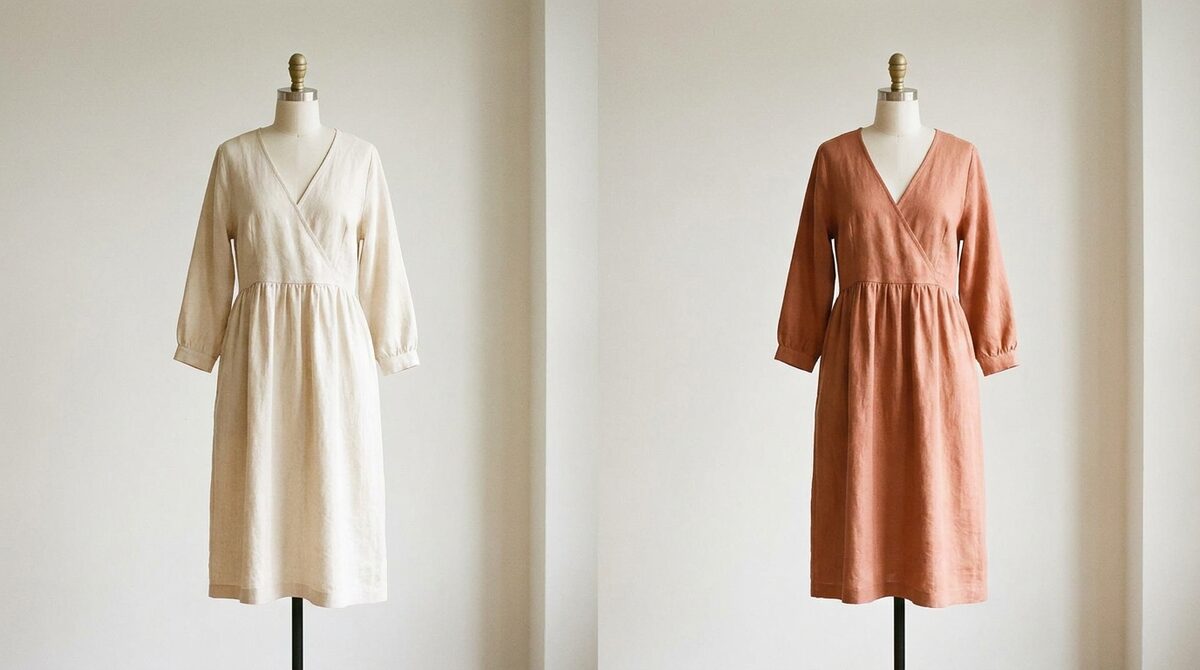
Google virtual try on clothes is a discovery feature; a Shopify try-on app is a conversion engine. Google shows apparel on models inside Search and Shopping but returns no data, while a store-side app renders your real products on the shopper and captures the relationship. 1Match converts that moment into a growth engine — previews plus native lead capture, funnel analytics, and zero-storage / GDPR-safe handling. Below, an honest, numbered comparison.
How to think about “google virtual try on clothes”
The real question is not “which is best” but “where should try-on live?” Discovery happens on Google; buying happens on your store. The strongest setups use both. Here is a fair breakdown of the main options for showing clothes on a real body, with pros, cons and a verdict for each.
Keep one lens in mind as you read: a discovery tool's job is to get a shopper interested, while a conversion tool's job is to turn interest into a confident purchase and a lasting customer relationship. Judging Google by conversion metrics is unfair, and judging a store app by reach is equally off. The winning question is which tool owns which stage — and whether you control the one that makes you money.
1. Google virtual try on (Search & Shopping)
Pros: excellent image realism, shows apparel on diverse real models, largely automatic for eligible products, great for discovery.
Cons: US-first and product-limited, no accessories, you don't control presentation, and it returns zero leads or funnel data.
Verdict: a valuable top-of-funnel discovery aid you should qualify for — but not something to build your conversion strategy on.
2. Google Doppl app (US, experimental)
Pros: lets shoppers see outfits on themselves from a photo, playful and shareable.
Cons: experimental, US-only, a separate app rather than on your store, and again no merchant data.
Verdict: interesting for consumers, largely irrelevant as a store's conversion tool.
3. Dedicated Shopify try-on app (e.g. 1Match)
Pros: renders your real products on the shopper from existing photos, covers hands, face and body (rings, glasses, hats, clothes), 10-minute setup, no 3D, and captures first-party leads plus funnel analytics — zero-storage and GDPR-safe.
Cons: it's a paid subscription and lives on your store rather than in Google's discovery surface.
Verdict: the right home for conversion, ownership and data. Pair it with Google discovery for the full picture.
Side-by-side
| Factor | Google virtual try on clothes | 1Match (Shopify) |
|---|---|---|
| Where it lives | Google Search / Shopping | Your product pages |
| Shows your real product | Sometimes, if eligible | Always, from your photos |
| Accessories (rings/glasses/hats) | No | Yes |
| Leads & funnel data | None | Native |
| Setup for merchant | Automatic if eligible | ~10 minutes, no 3D |
| Privacy model | Google's policies | Zero-storage / GDPR-safe |
| Best for | Discovery | Conversion |
For a wider field of tools, see our best virtual try-on apps for Shopify fashion in 2026 and the fundamentals in the complete guide to virtual try-on for fashion stores.
How to actually use both together
The smartest play is not to pick a side. Qualify your apparel for Google's try-on so you win the discovery moment — clean feeds, well-tagged imagery, supported categories. Then make sure that when the shopper lands on your product page, your own try-on is waiting, rendering the exact SKU on their body and inviting them to save the look or drop an email. Google warms the lead; your store closes it and keeps the relationship. Done well, the two stack: more qualified traffic in, more confident conversions and first-party data out.
That store-side layer is also where the measurable ROI shows up — roughly 25–40% fewer returns and an 18–28% add-to-cart lift — because the try-on sits at the exact point of decision. For the numbers behind that, see the ROI of try-on for reducing return rates.
Bottom line: use google virtual try on clothes for discovery, but make conversion happen on your store. As a Shopify growth engine — previews plus native leads and funnel analytics, all zero-storage and GDPR-safe — that is the job of 1Match.
Frequently asked questions
Is Google virtual try on clothes better than a Shopify app?
They do different jobs. Google's feature is great for discovery inside Search and Shopping, while a Shopify app puts try-on on your own product pages and captures leads and funnel data. For a merchant who wants to convert and own the relationship, a store-side app is the better fit; the two can also work together.
Does Google virtual try on clothes cost merchants money?
Google's try-on itself is not a paid placement you buy; eligible products can appear when they meet Google's criteria. However, you get no customer data from it and cannot control the presentation. A paid Shopify app gives you control, coverage and first-party data in exchange for a subscription.
Which covers more of my catalog?
Google focuses on supported apparel (mostly tops and dresses) in certain regions, so catalog coverage is partial. A dedicated app like 1Match works from your existing photos across hands, face and body — including accessories — so far more of your catalog becomes try-on-able.
Can I use both Google and a Shopify app?
Yes, and many stores should. Let Google's try-on help shoppers discover you, then meet them on your product page with your own try-on that renders your real products and captures the lead. Discovery and conversion are complementary, not mutually exclusive.
 Install on Shopify