
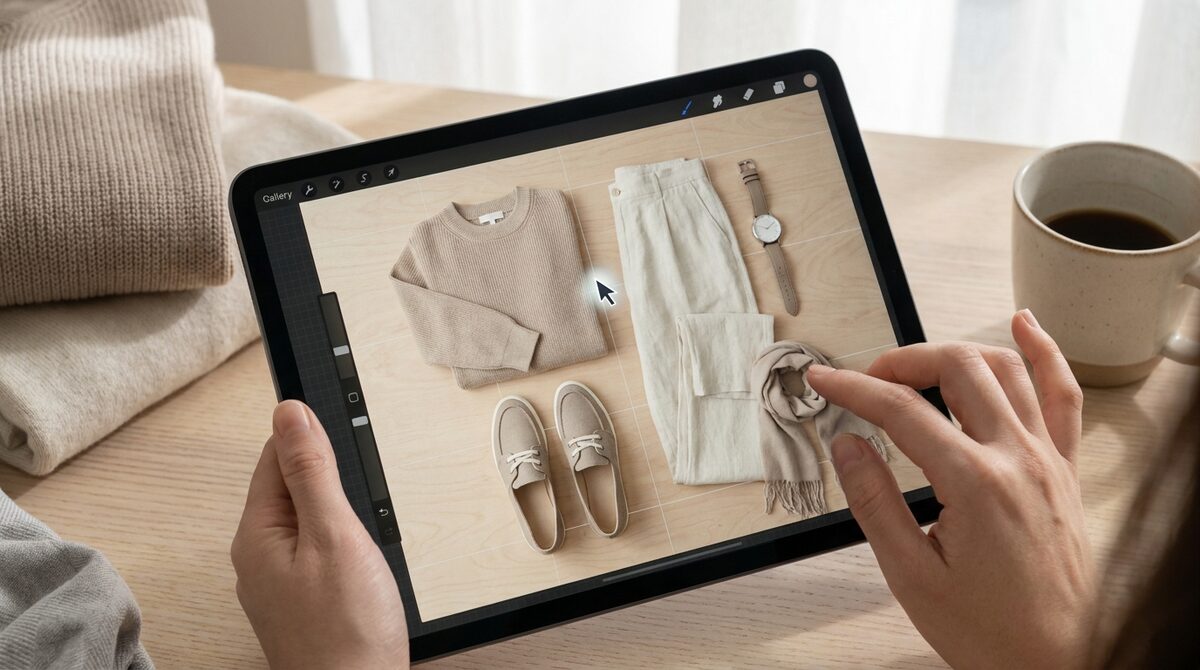
Why an outfit maker website beats a downloaded app
Apps ask for storage, updates and account setup before you can do anything. An outfit maker website skips all of it: you open a link and start styling. That low friction matters most at the moment of shopping, when a shopper is already on a product page and a single tap should be enough to see the item on themselves. Anything that forces a download loses them. For the merchant side of this — order value, leads, returns — see how an outfit builder works on a store.
For merchants, this is the difference between a curiosity and a conversion tool. A browser-based try-on that loads inline keeps the shopper in the buying flow instead of sending them to an app store.
What a great outfit maker website should do
Three things separate a useful outfit maker website from a gimmick. First, it renders on your own body, not a generic model, with strong image quality. Second, it works from existing product photos so every item is real and shoppable. Third, it respects privacy, keeping uploads zero-storage. 1Match hits all three and installs on a Shopify store in about 10 minutes. Our virtual fitting room explainer covers the underlying idea in more depth.
Website vs app: which should you use?
| Factor | Outfit maker website | Downloaded app |
|---|---|---|
| Setup | Open a link | Install and register |
| Device reach | Any browser | Per-platform |
| In-store checkout | Seamless | Context switch |
| On-body preview | Yes (1Match) | Varies |
For a shopper mid-purchase, the website approach wins on every row that matters. That is why store-native, browser-based try-on has become the default for serious fashion merchants.
How to get an accurate preview
Upload a clear, evenly lit photo and build your outfit around one anchor piece. Because 1Match handles hands, face and body, you can add rings, glasses or a hat to finish the look on the same photo. The result is a realistic sense of fit and proportion before you commit, without a 3D scan or a reshoot.
For merchants: the business case
An outfit maker website embedded in your store lifts add-to-cart 18–28% and reduces returns 25–40%, since about 70% of apparel returns come down to fit. And because it runs on your own domain, every preview can capture a first-party lead and feed funnel analytics. To see the economics, read our try-on ROI breakdown.
The browser is the smartest place to style a look because it meets shoppers exactly where they buy. With 1Match, an outfit maker website becomes a Shopify growth engine, turning on-body previews into native leads, funnel data, and zero-storage, GDPR-safe experiences across hands, face and body.
Frequently asked questions
What is an outfit maker website?
It is a browser-based tool for combining clothing and accessories into complete looks without installing an app. The most capable ones let you render the finished outfit on a photo of your own body straight from the web page.
Is an outfit maker website better than an app?
For most people, yes, because there is nothing to download and it works on any device with a browser. On Shopify, an in-browser try-on like 1Match loads directly on the product page, so shoppers style and preview without leaving the store.
Can an outfit maker website work on my phone?
A good one is fully responsive and runs in a mobile browser. 1Match is built for the storefront, so it works on phones and desktops alike, rendering looks on your own photo with strong image quality.
Does an outfit maker website store my photos?
It depends on the tool. 1Match is zero-storage and GDPR-safe by design, so your uploaded photo is used to generate the preview and not retained, which is a key reason merchants and shoppers trust it.
 Install on Shopify