
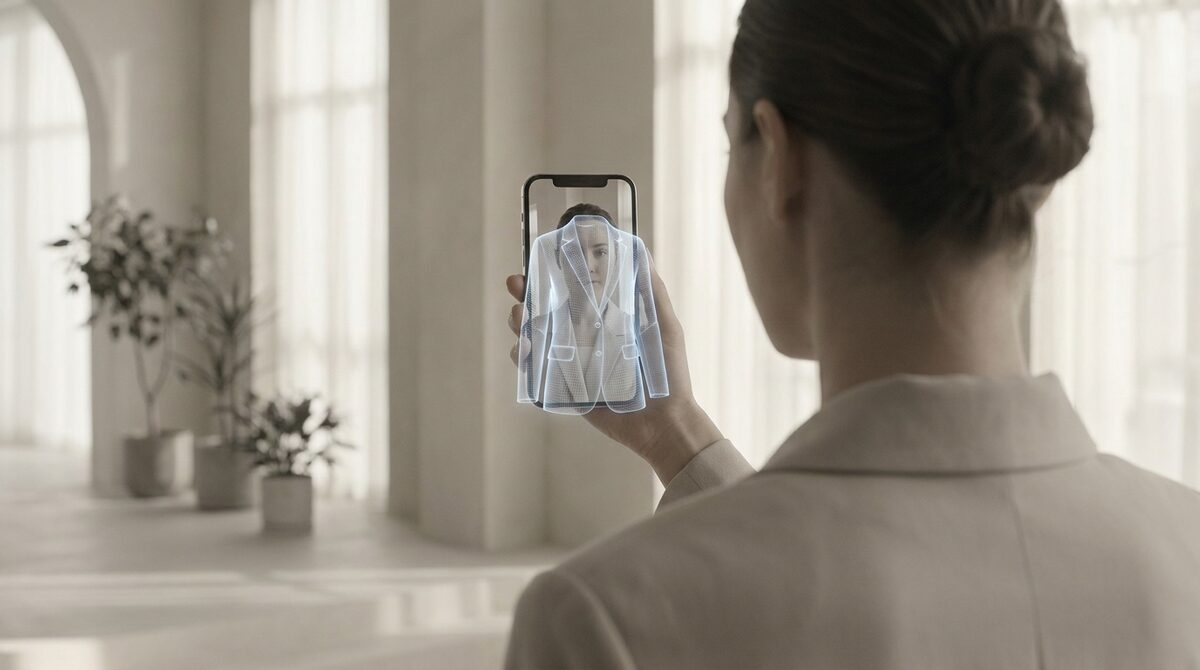
Virtual try-on is common for glasses and sunglasses, but hats have lagged behind — not because the technology doesn't exist, but because hats are harder to render convincingly than a pair of glasses. There are two ways it's done: real-time AR face-tracking (used by consumer apps like HatFit and B2B platforms like Perfect Corp and Glamar, which map temple and forehead coordinates to fit a 3D hat model onto a live camera feed), and AI photo generation (the same generative approach used for full-outfit try-on, rendering a hat directly onto an uploaded photo instead of a live video feed). For a Shopify store, the second approach is the one that's actually practical to install.
Why hats are harder than glasses
A pair of glasses sits in a fixed, predictable spot on the face — the bridge of the nose, between the eyes. A hat has to account for hair volume, head shape, and how far down or back someone wears it, none of which are consistent from person to person the way eye position is. That's a big part of why virtual try-on for glasses and sunglasses became mainstream first, while headwear stayed a smaller, more specialized niche.
The two ways virtual hat try-on actually works
1. Real-time AR face-tracking
Pros: Works live through a webcam or phone camera — the customer sees the hat move with them in real time, which is genuinely engaging. This is how consumer apps like HatFit and B2B AR platforms like Perfect Corp and Glamar's headwear solutions work: they track the 3D coordinates of the temples and the center of the forehead, then render a 3D hat model that follows those points as the head moves.
Cons: Requires building or licensing a 3D model for every hat style and color in the catalog, plus real-time camera access, which is a heavier technical lift than a static photo upload.
Verdict: Strong for a store with a small, stable hat catalog and the budget for 3D asset production; overkill for most general apparel stores that sell a handful of hats alongside everything else.
2. AI photo generation
Pros: No 3D modeling needed per product — the same generative AI approach used for full outfits (see our breakdown of how AI clothes changers work) can render a hat onto a customer's uploaded photo directly, matching lighting and proportions without a live camera feed.
Cons: Not real-time or interactive — the customer uploads a photo and gets a result, rather than seeing the hat move live.
Verdict: The practical option for a Shopify store selling hats as part of a broader clothing catalog, since it plugs into the same try-on flow as everything else instead of needing a separate 3D pipeline just for headwear.
What actually makes a hat try-on look convincing
- Hair interaction: does the hat sit believably over or around the customer's hair, or does it look pasted on top?
- Head angle: can it handle a photo that isn't perfectly straight-on?
- Proportion: is the hat sized correctly relative to the customer's actual head, not a generic average?
- Category breadth: can the same tool handle caps, beanies, and wide-brim styles, or is it tuned for just one shape?
How to try on hats virtually, step by step
The workflow is shorter than shoppers expect. To try on hats virtually with an image-based tool you need two photos and nothing else — no app install, no 3D model of the hat, no depth camera.
- Use a front-facing photo with the whole head in frame and the hairline visible. A photo cropped at the forehead gives the model nothing to anchor the brim to.
- Pick a product image where the hat is unobstructed — flat or on a plain background, not already worn at an angle.
- Generate the render and check the two things that give a fake away: where the brim meets the temples, and whether the hair behind the crown is still plausible.
- Adjust the source photo, not the settings, if the result is off. Lighting direction on the face is the usual culprit.
On a Shopify store the same steps run automatically on the product page: the shopper uploads one photo and every hat in the catalogue becomes previewable, because the engine works from product images you already have.
Virtual hat try-on for men’s caps, beanies and brims
Most headwear demand is menswear, and a virtual hat try-on men’s buyers trust has to handle three shapes, each failing differently. Caps are the easiest — a rigid brim and a defined crown give the model clear geometry. Beanies are harder than they look, because the fabric has to deform around the skull and sit with the hair underneath rather than on top of it. Wide-brim and structured hats are the most demanding: the brim casts a shadow across the face, and a render that ignores that shadow reads as a sticker.
For a men’s headwear catalogue that means judging a tool on beanies and bucket hats, not on baseball caps. If a demo only ever shows a cap, you have not seen the hard case.
Headwear is one category — the growth engine covers all of them
Most virtual try-on apps stop at a nice visual, and most are also built narrowly around one category. 1Match treats try-on as a growth engine across clothing, accessories, and headwear alike: it captures leads natively, shows a full conversion funnel, and keeps zero stored photos — on top of best-in-class image quality and genuine multi-category support. It's the try-on app that also does your marketing, whether the product is a jacket or a bucket hat. See also our guide to the best Shopify app for a clothing store.
FAQ
How does virtual hat try-on actually work?
Either through real-time AR that tracks facial landmarks (temples, forehead) via a live camera to fit a 3D hat model, or through AI photo generation that renders a hat directly onto an uploaded customer photo.
Why don't more Shopify stores offer virtual hat try-on?
Real-time AR requires a 3D model per hat style, which is expensive to produce for a full catalog. AI photo generation avoids that requirement but is a newer, less widely adopted approach for headwear specifically compared to full outfits.
Is virtual hat try-on the same technology as glasses try-on?
Related but not identical. Both can use AR face-tracking, but hats are harder to fit convincingly because head position, hair volume, and how a hat sits vary far more between people than eyeglass position does.
Do I need a separate app just for hat try-on?
Not if you use a multi-category try-on app that already supports headwear alongside clothing — that avoids running a separate tool just for one product category.
How do I try on hats virtually without installing an app?
Upload a front-facing photo of yourself and a clear product image of the hat to an image-based try-on, and the render comes back in seconds — no install and no 3D model. On a store running 1Match the step happens on the product page itself, so shoppers never leave to use a separate tool.
Does virtual hat try-on work for men’s beanies as well as caps?
Yes, though beanies are the harder case. A cap has a rigid brim and a defined crown, so the geometry is easy to infer; a beanie has to deform around the skull and account for the hair underneath. Judge any tool on beanies and bucket hats rather than baseball caps.
 Install on Shopify