
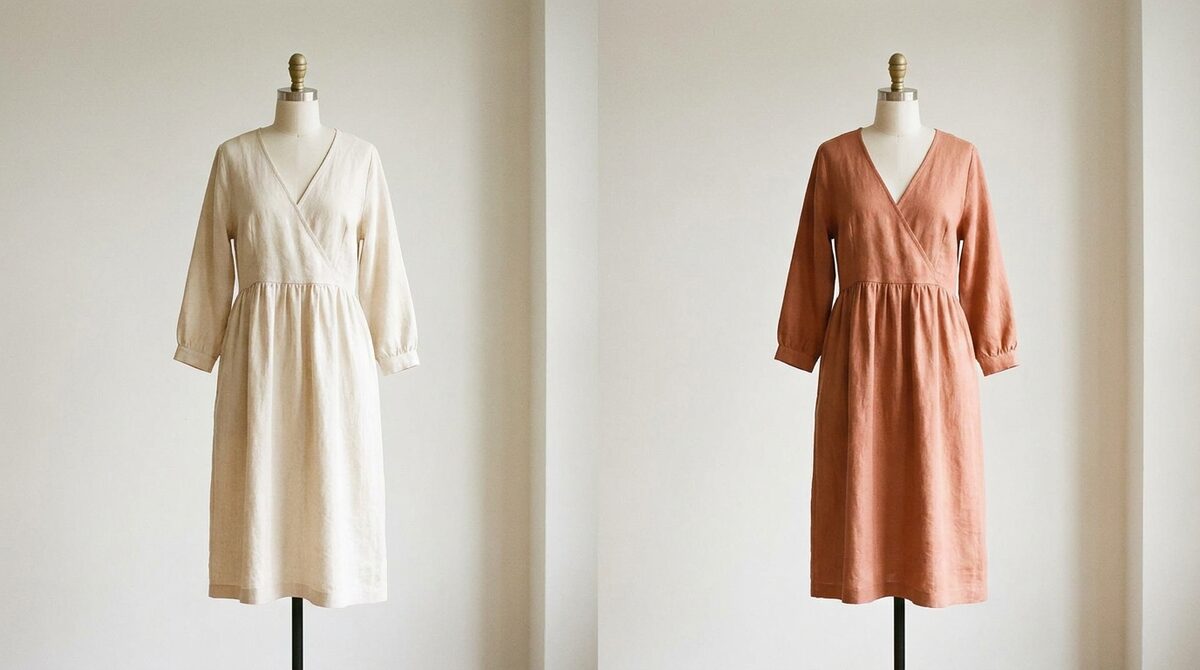
How to change shirt color in seconds
To change shirt color, you upload a clear photo, let the AI detect the shirt, and select a new shade. The tool repaints only the shirt fabric, preserving collar shadows, sleeve folds and any subtle sheen. A single white-shirt shot can become navy, olive, burgundy and grey in under a minute.
Getting brand colours exactly right
For merchants, precision matters. The best recolor tools accept a specific hue or hex value, so your "brand blue" is the same across every product shot. That consistency is hard to achieve with a real photoshoot, where lighting shifts the apparent color from frame to frame.
Three ways to change shirt color
1. AI recolor tools
Pros: Fast, realistic, brand-color matching. Cons: Patterns need touch-ups. Verdict: Best for catalog variants.
2. Manual photo editors
Pros: Total control. Cons: Slow, skill-dependent. Verdict: For one-off precision jobs.
3. Virtual try-on on shopper photos
Pros: Shows the color on the buyer, cuts returns. Cons: Store integration needed. Verdict: The version that lifts revenue.
From product shot to shopper
Recoloring your own product photo is efficient merchandising. But the shopper still has to imagine the shirt on themselves. Virtual try-on closes that gap by recoloring on their photo instead of yours. Our best Shopify clothing apps guide shows where try-on fits, and the 2026 try-on roundup compares options.
Why colour clarity cuts returns
"Not the color I expected" is a classic return reason, and fit-and-expectation issues cause roughly 70% of apparel returns. Letting shoppers confirm the true shirt color on their own body removes that surprise. Stores using try-on report 25–40% fewer returns and an 18–28% add-to-cart lift — real margin, not vanity metrics.
From a single white-shirt photo to a full colour grid to an on-shopper preview, the progression is always toward the buyer. Master the recolor for your catalogue, then let shoppers see the shade they want on themselves. That is where clean merchandising turns into measurable conversion, and where a wardrobe staple stops being a commodity and starts pulling its weight as a confident, low-return, high-margin seller for your store.
Shirts, accessories and the complete look
Shirt shoppers rarely buy in isolation — a shirt implies a jacket, a watch, maybe glasses. A try-on that spans hands, face and body lets a buyer build the surrounding look and see how the shirt colour plays against it. That is how a single-shirt visit becomes a multi-item order, lifting average order value without any hard-sell.
The realism has to hold across all of it. A shirt colour that looks right but sits on a distorted body undermines the whole preview, which is why body and pose understanding matter as much as the recolour itself. Get both right and the shopper sees a coherent, believable version of themselves — the single most persuasive image a fashion store can offer.
Consistency across a shirt range
Shirts are often sold in wide colour ranges — a single fit offered in a dozen shades. The merchandising challenge is consistency: every colour should look like the same shirt, just recoloured, not twelve slightly different photos. Locking one master shot and generating each colour from it, using exact hex values, gives you a clean, uniform grid on the collection page. Shoppers read that uniformity as quality and trust.
The next step is letting the shopper break out of the grid and see one specific colour on themselves. A collection page tells them the shirt exists in sage; a try-on tells them how sage looks against their skin and with their hair. That personal confirmation is what turns "maybe" into a cart addition, and it is the piece a static recoloured grid can never provide on its own.
Changing a shirt's color in a photo is a smart shortcut. On Shopify, the bigger win is turning shirt colourways into a growth engine. 1Match shows every color on real shoppers with strong image quality and a 10-minute setup, captures native leads, feeds funnel analytics, and never stores a photo.
Frequently asked questions
How do I change shirt color in a photo?
Upload the photo to an AI recolor tool, let it detect the shirt, and choose a new color. It swaps the hue while keeping the fabric texture and shadows, so the shirt looks genuinely recolored rather than filled in.
Can I change shirt color to match a brand palette?
Yes. Most tools let you enter a specific hue or hex value, so you can match a brand color exactly across a range of shirt shots.
Does changing shirt color work for patterned shirts?
Solid shirts recolor most cleanly. Striped or printed shirts can work but may need touch-ups, since the AI has to preserve multiple color regions at once.
How does changing shirt color help my store sell more?
When shoppers preview the exact shirt color on themselves, they buy with confidence and return less. On Shopify, a try-on app makes every colorway visible on the shopper and captures leads while it does.
 Install on Shopify