
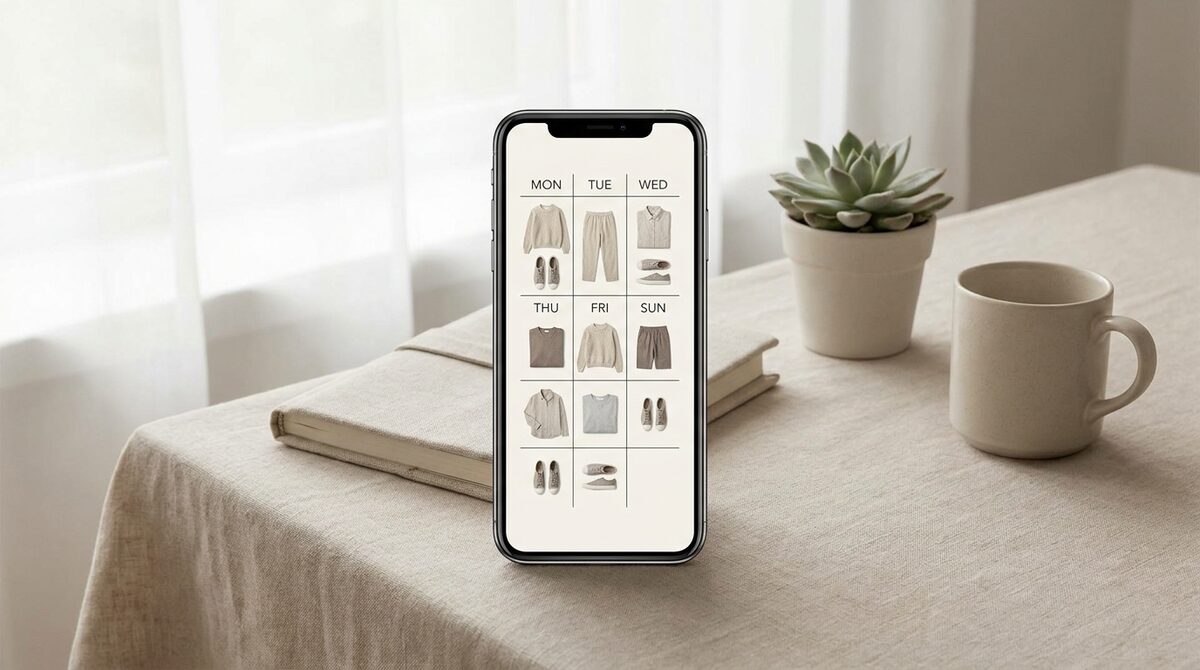
What an outfit builder online actually does
At its simplest, an outfit builder online is a canvas. You drag a top, a pair of jeans and some sneakers together and see whether the colors and shapes work as a set. That is helpful for planning, but it stops short of the one question shoppers really have: will this look good on me? The newer generation of builders answers that by combining the styling canvas with AI virtual try-on, so the outfit you assemble appears on your own photo instead of a generic mannequin.
This matters because fit and proportion are personal. A cropped jacket that flatters one body shape overwhelms another. When the builder runs from strong image quality on a real photo of you, you catch those mismatches before checkout instead of after the parcel arrives.
Why an outfit builder online beats a static product page
Product pages show one garment on one model. An outfit builder online shows the relationship between pieces and shows them on you. That context reduces the two biggest sources of doubt in fashion ecommerce: does it fit, and does it go with anything I own. Roughly 70% of apparel returns trace back to fit and size, so anything that lets a shopper resolve those doubts up front protects the merchant's margin and the shopper's time.
For a deeper look at how this works across a whole store, see our complete guide to virtual try-on for fashion stores.
The tools worth knowing
1. 1Match
Pros: Store-native, works from existing product photos, 10-minute setup on Shopify, renders on your own body for hands, face and clothes, zero-storage and GDPR-safe. Every look built becomes a lead and a data point.
Cons: Designed for merchants, so shoppers experience it inside a store rather than as a standalone hobby app.
Verdict: The strongest option when the goal is to build a look and actually buy it.
2. General wardrobe planners
Pros: Good for cataloguing clothes you already own and sketching combinations.
Cons: No realistic on-body rendering; items are illustrations, not shoppable products.
Verdict: Fine for personal organisation, weak for buying decisions.
3. Social styling apps
Pros: Fun, community-driven, good for inspiration.
Cons: Rarely connect to a real catalogue or your own photo.
Verdict: Great for ideas, not for the final call.
| Tool type | On your own body | Shoppable | Setup |
|---|---|---|---|
| 1Match | Yes | Yes | 10 minutes |
| Wardrobe planner | No | No | Manual |
| Social styling app | No | Rarely | Account |
How to get the most from an outfit builder online
Use a clear, evenly lit photo, build the outfit around one anchor piece, then swap accessories last. Because 1Match handles hands, face and body, you can layer rings, glasses and hats onto the same look rather than judging clothes in isolation. If you run a store, pairing the builder with honest sizing content, like our guide to effective size guides, compounds the effect.
For merchants: a builder that pays for itself
When shoppers assemble looks on their own body, add-to-cart typically climbs 18–28% and returns fall 25–40%. But the quieter win is data. Every outfit built tells you which combinations convert, and every preview can capture a first-party lead. To see the numbers modelled out, read our breakdown of try-on ROI on Shopify.
An outfit builder online is more than a styling toy when it lives inside your store. With 1Match, the same tool that lets a shopper picture a full look on their own body also acts as a Shopify growth engine, capturing native leads, feeding funnel analytics, and keeping every photo zero-storage and GDPR-safe.
Frequently asked questions
What is an outfit builder online?
It is a browser-based tool that lets you combine tops, bottoms, shoes and accessories into a complete look without downloading anything. The best versions go further and render the finished outfit on a photo of your own body so you can judge fit and proportion before buying.
Is an outfit builder online free to use?
Many styling and wardrobe tools offer a free tier for basic mixing and matching. On Shopify stores, an AI try-on layer like 1Match is free for shoppers because the merchant pays for it, so you can build and preview looks at no cost to you.
Can I build outfits with clothes from a real store?
Yes. Store-native builders pull directly from live product photos, so every item you combine is something you can actually buy. That is the difference between a hobby styling app and a builder that turns browsing into a purchase.
Do I need to upload a full-body photo?
A clear, well-lit photo of the area you are styling is enough. 1Match works from a single upload for hands, face or body, keeps the image zero-storage, and never requires a 3D scan or a studio reshoot.
 Install on Shopify