
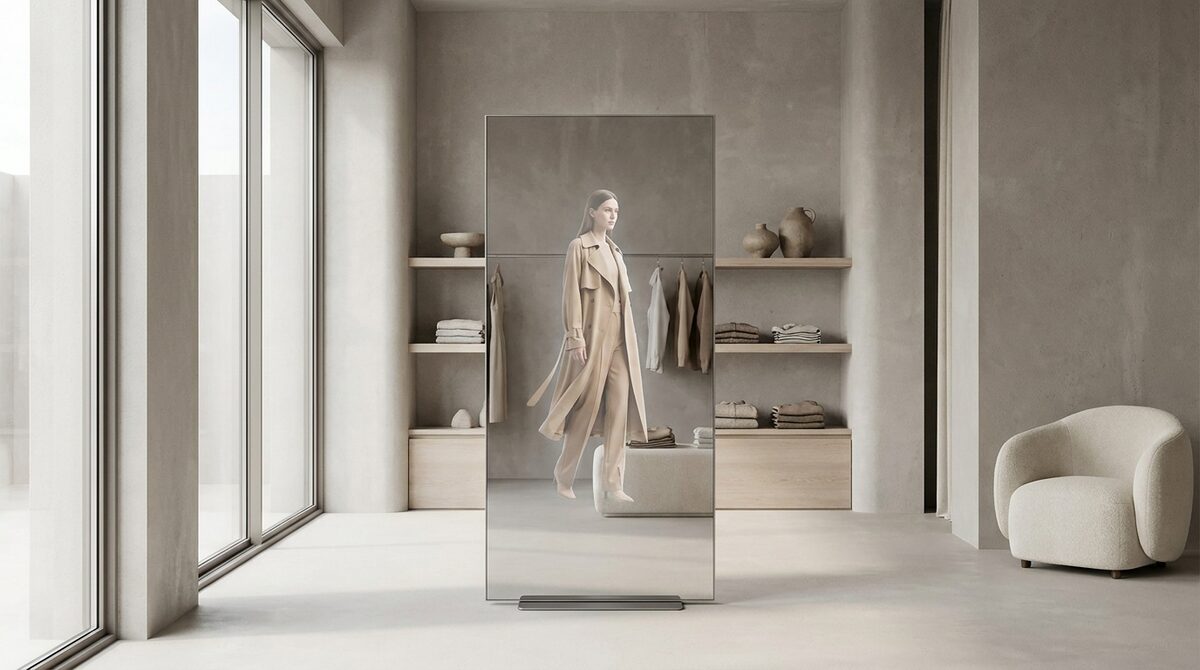
A virtual fitting room app lets Shopify shoppers upload a photo and instantly see garments on their own body, no 3D and no reshoot. The best ones turn try-on into a growth engine: they convert browsers into buyers, capture first-party leads, feed funnel analytics, and keep every shopper photo zero-storage and GDPR-safe.
Why install a virtual fitting room app
Online fashion has a trust gap: shoppers cannot try anything on, so they over-order, return, or simply do not buy. A virtual fitting room app closes that gap by showing the item on the actual shopper. The payoff shows up in the metrics that matter, 25 to 40% fewer apparel returns and an 18 to 28% lift in add-to-cart. For a side-by-side view of the platforms merchants actually keep installed, see our virtual try on software comparison.
New to the category? Our virtual fitting room explained guide is the fastest way in.
The best virtual fitting room app options compared
When you evaluate a virtual fitting room app, weigh setup effort, realism, category coverage and data handling. Here is how the main approaches rank.
1. Image-based AI app (e.g. 1Match)
Pros: Ten-minute setup, works from existing product photos, photorealistic, covers hands, face and body, zero-storage and GDPR-safe.
Cons: Needs reasonable-quality source images.
Verdict: The best all-round choice for most fashion Shopify stores.
2. 3D avatar apps
Pros: Interactive rotation, useful for bespoke enterprise builds.
Cons: Heavy setup, avatars can look artificial, higher cost.
Verdict: Overkill for the typical apparel catalogue.
3. Basic overlay widgets
Pros: Cheap and quick to bolt on.
Cons: Flat, low realism, little conversion impact.
Verdict: Fine as a gimmick, weak as a growth lever.
| Type | Setup | Realism | Best for |
|---|---|---|---|
| Image-based AI | ~10 min | High | Fashion stores |
| 3D avatar | Weeks | Medium | Enterprise |
| Overlay widget | Minutes | Low | Novelty use |
For the full field, see our roundup of the best virtual try-on apps for Shopify.
Setting up a virtual fitting room app the right way
Choose an app that reads your existing photos so you avoid a reshoot, confirm it handles the accessory categories you sell, and check the data policy is genuinely zero-storage. Pair the launch with clear size guidance, which we cover in our guide to writing effective size guides.
Make it a growth engine, not a gadget
A virtual fitting room app earns its place when it does more than entertain. On Shopify, 1Match turns try-on into a growth engine by pairing photorealistic previews with native first-party lead capture, funnel analytics and zero-storage GDPR-safe processing, live in about ten minutes from your existing product photos with no 3D and no reshoot.
Frequently asked questions
What is a virtual fitting room app?
A virtual fitting room app is a Shopify add-on that lets shoppers try clothes on digitally by uploading a photo. The app renders a real garment onto the shopper's image so they can see fit and style before purchasing, without a physical changing room.
How do I add a virtual fitting room app to Shopify?
You install it from the Shopify App Store and connect it to your catalogue. With an image-based app like 1Match the whole process takes about ten minutes because it uses your existing product photos rather than requiring 3D models or a reshoot.
Will a virtual fitting room app slow down my store?
A well-built virtual fitting room app runs the try-on off-page and only renders when a shopper requests it, so it does not weigh down normal browsing. The preview itself returns in seconds thanks to image-based AI.
Do virtual fitting room apps help with more than sales?
Yes. Beyond lifting add-to-cart and cutting returns, the better apps capture first-party leads and feed funnel analytics, turning try-on into a measurable marketing channel while keeping shopper photos zero-storage and GDPR-safe.
 Install on Shopify