
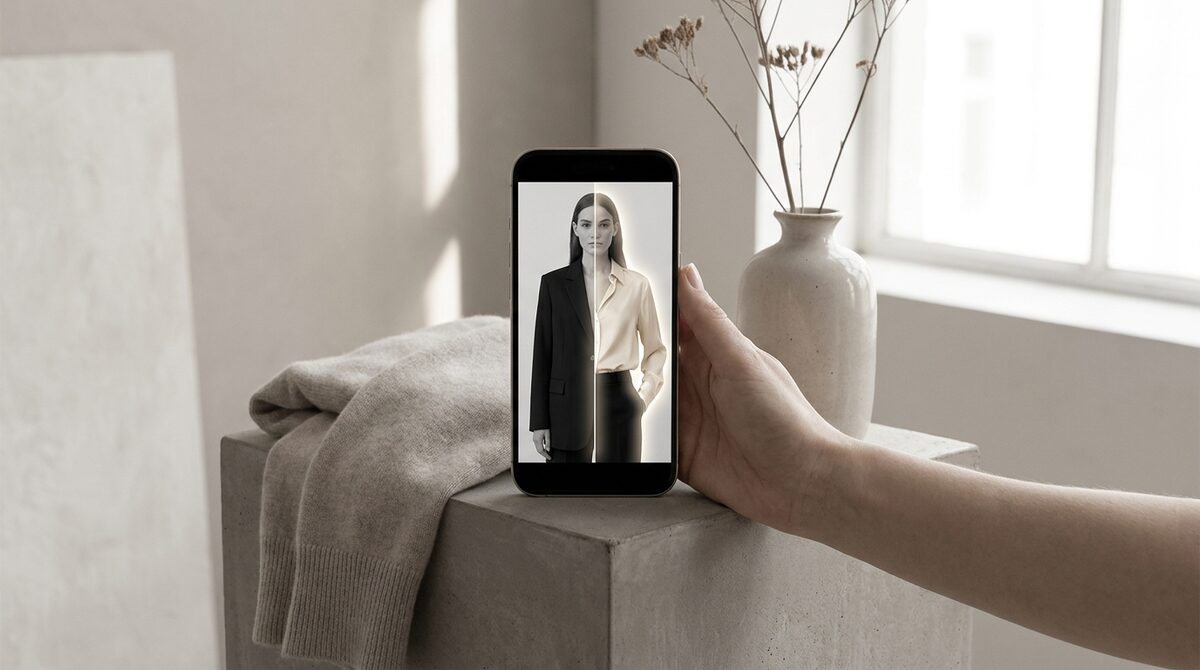
To add a suit to a photo online free, upload your image to a web clothes changer and pick a suit — the AI renders it onto you in seconds, usually with free-tier limits. For a menswear or formalwear store, the smarter move is a retail try-on that doubles as a growth engine: it converts shoppers, captures first-party leads, feeds funnel analytics, and stays zero-storage and GDPR-safe. 1Match does this from your existing photos in a 10-minute setup.
Adding a suit to a photo, step by step
To add suit to photo online free, you generally do three things: upload the person, select a suit, and let the AI render the result. Behind the scenes the model reads pose and body shape, warps the suit to fit, and matches lighting so it looks photographed. No 3D and no reshoot are involved, which is why it works from an ordinary photo.
Why suits are harder than t-shirts
Formalwear is a tough test for any clothes changer. A suit has structure — shoulders, lapels, a defined waist — so misalignment is obvious in a way a loose tee forgives. That is why realism matters even more here. A cheap free tool may look pasted around the shoulders, while a fashion-first engine with strong image quality keeps the tailoring convincing.
Free online tools: what to expect
A free option is perfect for a one-off — seeing yourself in a suit before an event, or making content. Expect watermarks, resolution caps and uncertain data handling. For a single personal image that is fine; just choose a tool that states what happens to your upload, since many keep it.
For menswear and formalwear stores
If you sell suits, blazers or formalwear, a free editor is not enough. You need shoppers to preview your actual products on their own body, on the product page, with the interaction captured as a lead. That is what turns a suit try-on into revenue and cuts fit-driven returns — and fit drives roughly 70% of apparel returns. A proper virtual fitting room reduces returns 25–40% and lifts add-to-cart 18–28%.
| Feature | Free online suit editor | 1Match |
|---|---|---|
| Cost | Free (limited) | Paid |
| Real product suits | No | Yes |
| Tailoring realism | Variable | Strong |
| Leads + analytics | No | Yes |
| Zero-storage | Rarely | Yes |
Beyond the suit
Formalwear is rarely sold alone. The best try-on also handles accessories — glasses, watches, rings — because 1Match covers hands, face and body. That lets a menswear store present a complete look with one tool. Pair it with a clear size guide and fit questions largely disappear.
Getting a clean suit result
When you add suit to photo online free, input quality decides everything because tailoring is unforgiving. Use a straight-on, shoulders-square photo with good lighting and a plain background, and keep the arms relaxed at the sides so lapels and shoulder seams have a clear body to align to. Angled or slouched poses make a jacket look pasted. A few seconds spent on the source photo is the difference between a suit that reads as bespoke and one that looks like a sticker.
Formalwear is where returns hurt most
Suits and formalwear carry high price tags, so a fit-driven return is expensive for both shopper and store. That makes them the ideal category for virtual try-on. When a customer can see a jacket on their own frame before buying, they choose the right cut and size far more often, and costly returns fall — fit drives around 70% of apparel returns, and try-on cuts them 25–40%. For a menswear store the maths is compelling: fewer returns on high-value items, plus an 18–28% lift in add-to-cart, from a tool that runs on the product photos you already own and keeps every customer image zero-storage and GDPR-safe.
The bottom line
Adding a suit to a photo for free is easy and fun for a one-off look, provided you use a clean, straight-on source image and check what the tool does with your upload. For a menswear or formalwear store, though, the stakes are higher: these are high-value items where a fit-driven return really hurts. That is exactly where a store-grade try-on pays off, letting shoppers preview real suits on their own body, capturing them as leads, and keeping every photo zero-storage and GDPR-safe. It runs on the product photos you already own and installs in about ten minutes, so the path from a free experiment to a serious selling tool is short.
Whether you just want to add a suit to a photo online free or you run a formalwear store, the difference is scale and trust. For a business, a suit try-on becomes a Shopify growth engine: it converts browsers into try-ons, captures native leads, feeds funnel analytics, and keeps every photo zero-storage and GDPR-safe. Add it with 1Match.
Frequently asked questions
How do I add a suit to a photo online for free?
Upload your photo to a free web clothes changer, choose a suit, and the AI renders it onto you. Free tools work for a quick result but usually add watermarks and caps. For a store, a retail try-on lets shoppers see real suits on themselves.
Do free suit editors look realistic?
Results vary. Tailored garments like suits are demanding because lapels, shoulders and drape must align to the body. The best engines handle this well; cheaper free tools can look pasted. Test before relying on the output.
Can a menswear store use a suit try-on?
Absolutely. A retail try-on lets shoppers preview suits, blazers and formalwear on their own body, which reduces fit-driven returns. 1Match runs on your existing product photos and is zero-storage and GDPR-safe.
Is it safe to add a suit to my photo on a free site?
Be cautious. Many free sites keep uploaded photos. If privacy matters, use a tool with a clear zero-storage policy. For store use with customer photos, a GDPR-safe retail tool is the responsible choice.
 Install on Shopify