
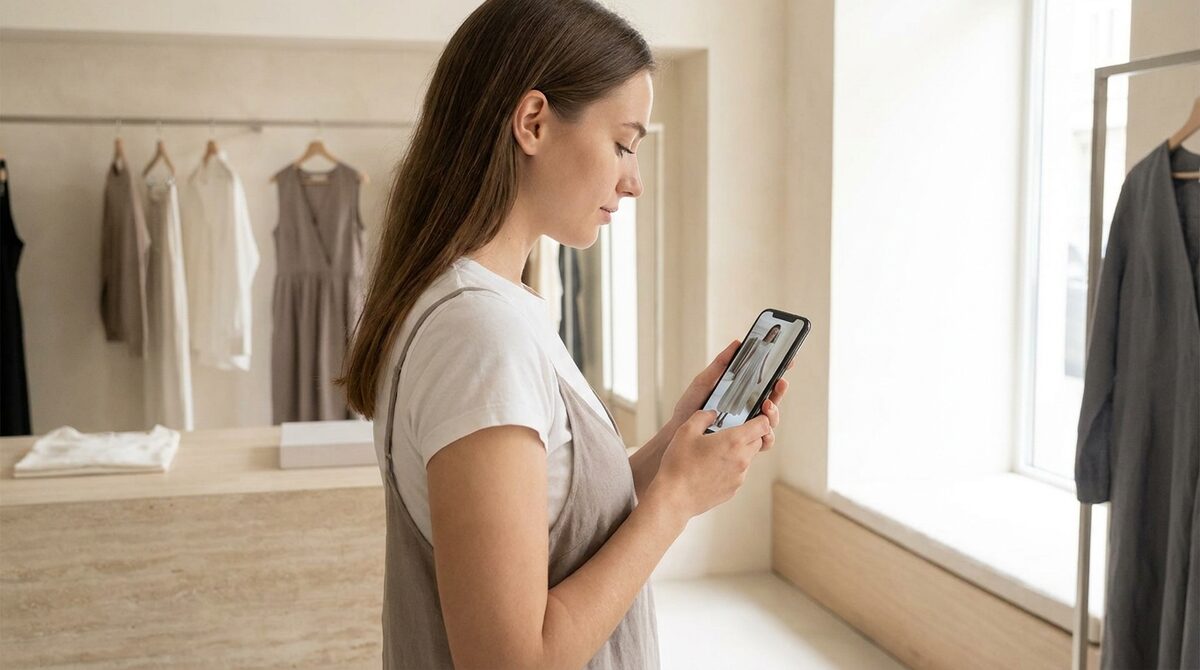
A virtual outfit try on previews a full styled look — top, bottom and accessories together — on the shopper’s own photo, not just a single item. It drives bigger baskets by selling the whole look, and around that moment it captures first-party leads, feeds funnel analytics, and keeps every uploaded photo zero-storage and GDPR-safe.
From single items to complete looks
Most try-on experiences show one garment at a time. A virtual outfit try on goes further: it layers a coordinated set so the shopper sees how the pieces work together on their own body. That shift matters because people rarely buy a top in isolation — they picture an outfit, and now they can see it.
The best tools do this from existing product photos with no 3D and no reshoot, which is what makes 1Match practical for everyday merchandising. For the broader mechanics, our how an AI clothes changer works is a useful primer.
Why full-look try-on raises basket size
When a shopper likes a coordinated look on themselves, the natural next step is to buy the look, not just one piece. That is the psychology outfit try-on taps into. Merchants report higher average order value alongside the usual add-to-cart lift of 18–28%, because the preview is doing the styling work a great in-store associate would do.
Confidence across the whole look
Coordinated previews also reduce returns. Fit uncertainty causes roughly 70% of apparel returns, and seeing every piece together removes doubt about proportion and colour balance. Pair the visual with an accurate effective size guides and hesitation largely disappears. Our guide to reduce returns in an online fashion store covers the mechanics.
What makes a good outfit preview
Three things: strong image quality so fabrics and layering look natural, breadth so the tool can place garments plus accessories on hands, face and body, and speed so the styled result appears in seconds. Weak rendering breaks the illusion; crisp rendering sells it.
Setup and merchandising
On Shopify, outfit try-on installs like any widget — about ten minutes, using the photos already on your product pages. From there you can merchandise curated looks and let shoppers preview them instantly. If you want to compare tools first, see the best virtual try-on apps for Shopify and our take on the best Shopify app for a clothing store.
The data behind the look
Every outfit preview is also a signal: which combinations get tried, which convert, and who is interested enough to leave an email. That native lead capture plus funnel analytics turns a styling feature into a growth channel — all while photos are processed without being stored.
Merchandising complete looks
A virtual outfit try on rewards stores that think in looks rather than SKUs. Build curated sets — a dress with a jacket and a hat, or a top with trousers and a bracelet — and let shoppers preview the whole thing on themselves in one tap. Because the same engine spans hands, face and body, a coordinated set can mix garments with accessories without any extra setup, all rendered from photos you already have.
This is where outfit try-on quietly outperforms single-item previews. A shopper who sees a full look on their own frame is being styled, not just shown a product, and styling is what lifts basket size. Rotate featured looks seasonally, watch which combinations convert in your funnel analytics, and double down on the winners. The data compounds: every previewed outfit teaches you something about what your customers want to wear together.
Outfit previews also shine in gifting and event contexts, where shoppers are dressing for a specific occasion and want to be sure the whole look hangs together before they commit. A single tap that shows the coordinated set on their own body removes the anxiety that usually drives multiple orders and multiple returns. For the merchant, that means fewer round trips, higher confidence at checkout, and a richer picture of which looks resonate. It is the closest an online store can get to the styling advice a great boutique associate offers in person, and it scales to every visitor at once.
A virtual outfit try on is, in the end, a Shopify growth engine: it sells complete looks, lifts order value, captures native leads, feeds funnel analytics, and stays zero-storage and GDPR-safe. Try it with 1Match.
Frequently asked questions
What is a virtual outfit try on?
A virtual outfit try on previews a complete look — not just one garment but a coordinated set such as a top, bottom and accessories — rendered onto the shopper’s own photo. It helps buyers judge how pieces work together. This is especially useful for stores that merchandise in curated collections.
Can I try on more than one clothing item at once?
Yes. Outfit-level try-on layers multiple pieces so shoppers see the styled result rather than isolated items. That encourages larger baskets because a shopper who likes the full look tends to buy more of it. Coverage depends on the tool and the quality of its rendering engine.
Does virtual outfit try-on increase order value?
It tends to, because it sells the look rather than the single product. When shoppers can see a coordinated outfit on themselves, they add complementary items with more confidence. Combined with fewer fit-driven returns, that raises net revenue per order.
Do outfit previews need professional photos from the shopper?
No. A clear full-body phone photo is enough for the AI to place a coordinated look on the shopper. Privacy-first tools process the image to build the preview and do not store it, keeping the experience zero-storage and GDPR-safe.
 Install on Shopify