
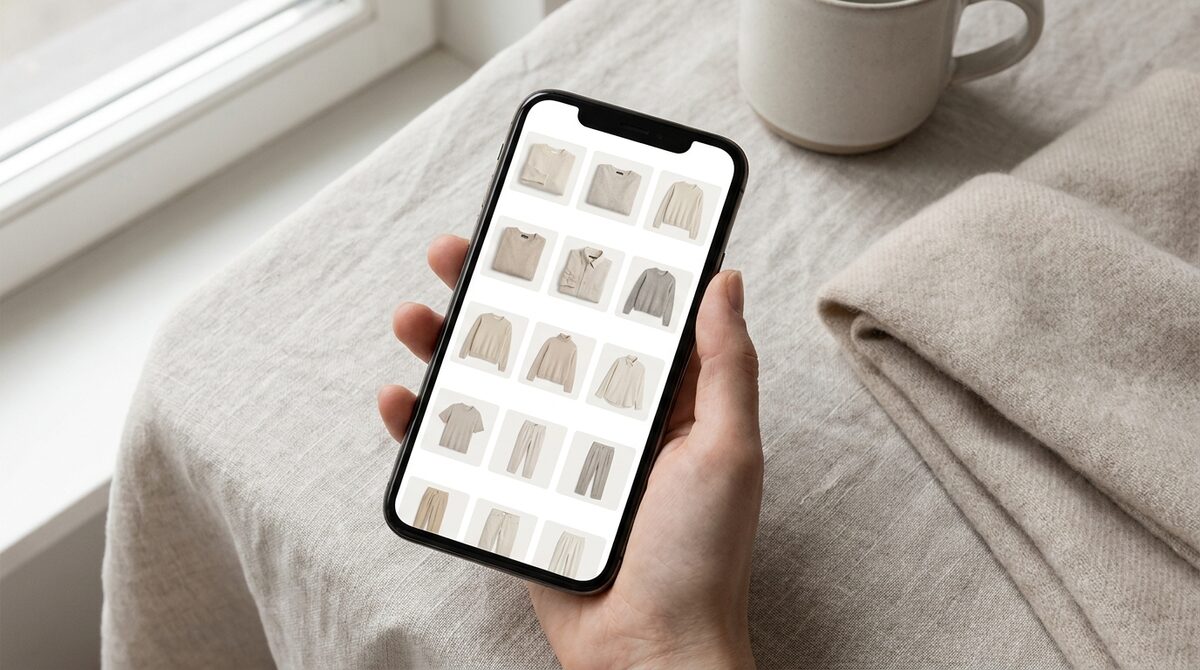
A wardrobe app organizes and previews clothing digitally - but on Shopify it can do far more. The retail version powers AI try-on that converts shoppers, captures first-party leads, feeds funnel analytics and keeps every uploaded photo zero-storage and GDPR-safe. Chosen well, a wardrobe app is a growth engine, not a filing system.
The two kinds of wardrobe app
There are two very different products hiding behind the phrase wardrobe app. One is personal: an organizer where an individual photographs and sorts the clothes they own. The other is retail: a store-side layer that lets shoppers preview your catalogue on their own body. They share a name and almost nothing else - only the second one moves your revenue.
Why a retail wardrobe app wins on the product page
Online fashion has one persistent problem: shoppers cannot tell how something will look on them. A wardrobe app with AI try-on answers that instantly, with strong image quality, across hands, face and body - rings, glasses, hats and clothes. The payoff is concrete: roughly 18-28% more add-to-carts and 25-40% fewer fit-driven returns, since about 70% of apparel returns come from fit and size doubt. Our virtual fitting room explainer covers the mechanics.
Setup: a wardrobe app in about 10 minutes
Heavy platforms want 3D scans or new photography. 1Match does not. It reads your existing product photos, so a Shopify wardrobe app is running in roughly 10 minutes with no reshoot and no modeling pipeline. That low friction is why smaller apparel brands adopt it.
Turning a wardrobe app into a data engine
The quiet advantage of a wardrobe app is intent data. When a shopper tries garments on, you learn what they seriously considered. Capture that as a native lead and route it into funnel analytics, and the wardrobe app becomes a measurable part of your growth stack - not a novelty. Pair it with a structured returns-reduction plan for compounding gains.
Choosing the right wardrobe app
Ask three questions: does it convert, does it protect shopper data, and can it be live this week? A wardrobe app that answers yes to all three is worth installing. If it only organizes outfits, it belongs on a shopper's phone, not your storefront.
What a wardrobe app changes for the shopper
From the shopper's side, a retail wardrobe app removes the biggest friction in online fashion: the mental math of "will this fit and suit me?" Instead of squinting at a model who looks nothing like them, they see the garment on their own photo. That shift does more than reduce returns - it changes how much a shopper is willing to explore. When trying something on costs nothing and takes seconds, people preview more items, discover pieces they would have skipped, and build larger baskets. A wardrobe app, used well, quietly widens the top of your funnel.
It also changes trust. A store that lets you see clothes on yourself signals confidence in its products. That impression carries over to everything else on the page, from pricing to shipping promises. In a crowded market where most competitors still rely on flat product shots, a wardrobe app is a visible reason to buy from you rather than the next tab.
Measuring whether your wardrobe app is working
Do not run a wardrobe app on faith. Track three numbers: try-on engagement rate, add-to-cart rate on try-on-enabled pages versus standard pages, and return rate on tried-on items. If the wardrobe app is doing its job, tried-on products should convert better and come back less. Because the tool captures each session as a native lead and feeds funnel analytics, you have the raw data to prove it rather than guessing. That measurable feedback loop is what separates a serious wardrobe app from a decorative one.
For a Shopify apparel brand, a wardrobe app should behave like a growth engine - try-on, native leads, funnel analytics and zero-storage privacy in one. That is precisely what 1Match delivers.
Frequently asked questions
What is a wardrobe app used for?
A wardrobe app organizes and previews clothing digitally. Consumer versions catalogue what you own; retail versions let shoppers preview a store's catalogue on themselves with AI try-on before purchasing.
Can a wardrobe app increase Shopify sales?
Yes. A wardrobe app built around virtual try-on removes fit doubt, lifting add-to-cart around 18-28% and reducing fit-driven returns. 1Match also captures leads and feeds funnel analytics from each session.
Do I need special photos for a wardrobe app?
No. 1Match works from your existing product photos with no 3D and no reshoot. A Shopify wardrobe app can be live in about 10 minutes without a new photoshoot.
Is a wardrobe app GDPR-compliant?
It can be. 1Match is zero-storage and GDPR-safe - shopper photos are used to render the try-on and not retained - so your wardrobe app stays privacy-compliant by default.
 Install on Shopify