
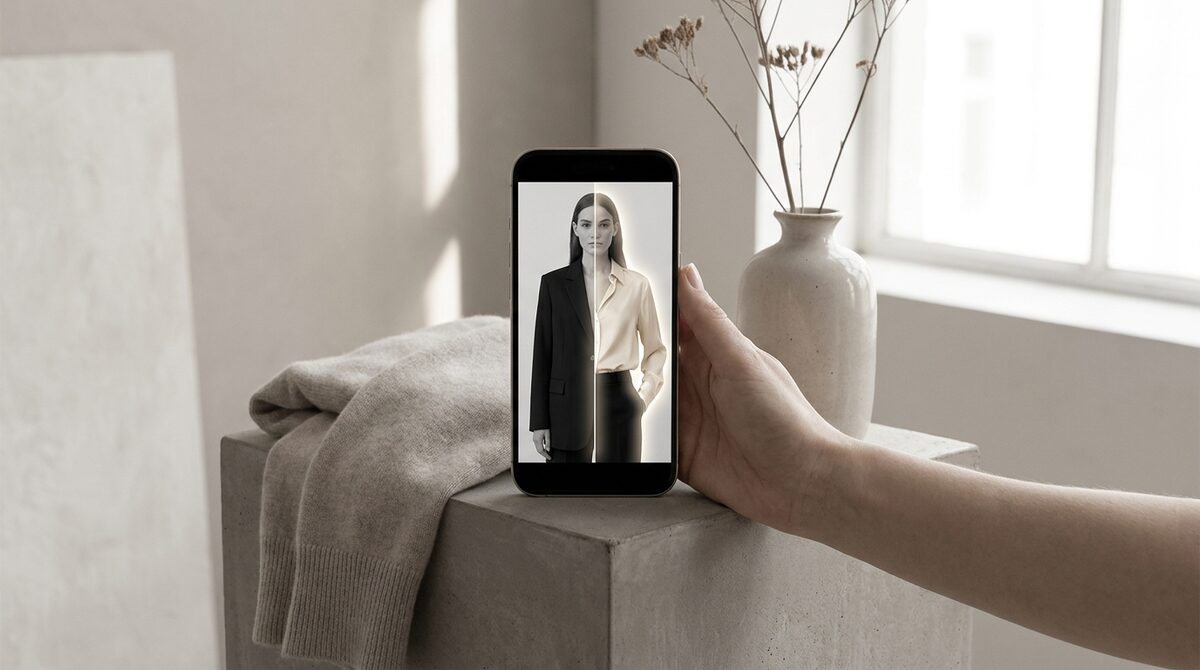
To change outfit AI-style, you upload a photo, pick a garment, and a generative model renders the new look onto the person realistically. For a Shopify store the payoff is bigger than a fun edit: the right tool powers a growth engine that converts shoppers, captures first-party leads, drives funnel analytics, and keeps photos zero-storage and GDPR-safe. 1Match runs it from your existing images in a 10-minute setup.
How to change an outfit with AI
The process to change outfit ai-style is simple from the outside: supply a person and a target garment, and the model does the rest. Behind the button it segments the body, estimates pose, warps the garment to fit, and renders with matched lighting. There is no 3D model and no reshoot, which is why it runs in seconds from ordinary flat images.
Who uses change-outfit AI
Two groups. Content creators restyle photos for social posts and lookbooks. Retailers let shoppers preview products on their own body. The underlying model is similar, but the retail version is wrapped in commerce features — it lives on the product page, captures the shopper as a lead, and logs the interaction. That is the difference between a creative toy and a store try-on engine.
Why merchants care about changing outfits with AI
Fit and size drive roughly 70% of apparel returns. Letting a shopper change into your garment and see it on themselves removes the biggest doubt in online buying. That is why try-on reduces returns by an estimated 25–40% and lifts add-to-cart by about 18–28%. The effect depends entirely on realism, so strong image quality is the first thing to check.
Not just clothes
Changing an outfit is only part of it. The best engines also handle accessories — rings on hands, glasses on faces, hats on heads. 1Match covers hands, face and body, so one fashion-first tool works across a mixed catalogue instead of several point solutions.
Choosing a change-outfit AI
For casual edits, pick any tool that respects your photo. For selling, insist on five things: realistic output, coverage of your existing catalogue, fast setup, a zero-storage privacy stance, and data that flows into your funnel. Weigh the retail contenders in our 2026 try-on apps comparison.
Change-outfit AI for social content and ads
Beyond the product page, change outfit ai is a content multiplier. From one shoot you can generate dozens of on-model variations for Instagram, TikTok and paid ads without booking talent or a studio. Creators use it to test which looks resonate before investing in production. For a store, this means fresher creative at a fraction of the cost — the same engine that powers your try-on also feeds your marketing calendar, all from existing photos with no reshoot.
Keeping it realistic and on-brand
The trap with any generative outfit tool is drifting into images that look impressive but off-brand or plainly fake. Guard against it by feeding clean, consistent source photos and reviewing output for the tells that break trust — misaligned prints, floating collars, unnatural edges. A fashion-first engine with strong image quality clears this bar far more reliably than a general-purpose free tool. And because a store version keeps every shopper photo zero-storage and GDPR-safe, you can scale the volume without accumulating a privacy liability. Realism and privacy together are what let you use change-outfit AI at commercial scale rather than as an occasional gimmick.
The bottom line
Change-outfit AI has grown from a fun filter into a serious tool for both creators and stores. For creators it multiplies content from a single shoot; for merchants it answers the fit question on the product page and feeds the marketing calendar at the same time. The common thread is realism and privacy: results only help when they look photographed and when shopper photos are handled responsibly. Choose a fashion-first engine with strong image quality and a zero-storage policy, wire it into your funnel, and the same technology that restyles a photo starts driving revenue. Start with one use case, prove it, and let the wins pull you into the next.
Wired into a store, change-outfit AI becomes a Shopify growth engine: it turns browsers into try-ons, captures native leads, feeds funnel analytics, and keeps every shopper photo zero-storage and GDPR-safe. Add it to your store with 1Match.
Frequently asked questions
How do I change an outfit with AI?
Upload a photo of a person, choose a target garment, and an AI model renders the new outfit onto the body with realistic drape and lighting. No 3D or reshoot is needed. On a store, 1Match does this from your existing product photos so shoppers see real items.
Can AI change outfits realistically?
Yes, modern engines preserve pose, body shape, fabric drape and print alignment so the result looks photographed. Quality still varies by tool, so test difficult garments like patterns and layered looks before relying on it.
Is change-outfit AI useful for content creators and stores?
Both. Creators use it to restyle photos quickly; stores use it to let shoppers try products on themselves. The retail version adds lead capture and analytics, turning each outfit change into a measurable step in the funnel.
Does changing outfits with AI protect privacy?
With the right tool, yes. 1Match is zero-storage and GDPR-safe, processing the photo for the try-on and keeping nothing. Free consumer tools often retain uploads, so check the policy before using customer images.
 Install on Shopify