
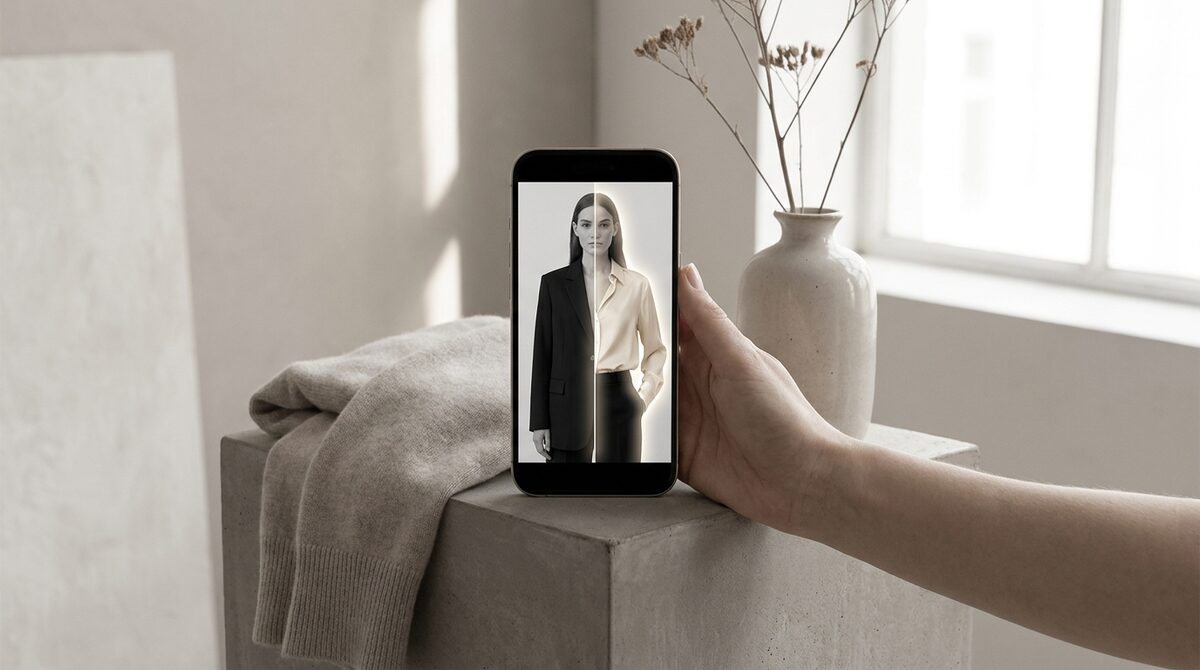
How to change clothes color online free in three steps
The workflow is refreshingly simple. First, upload a clear, well-lit photo. Second, let the AI detect the garment or paint a rough mask over it. Third, choose your target color and let the model repaint the pixels while preserving highlights and shadows. Most tools that let you change clothes color online free finish in under ten seconds.
The magic is in the masking. Older editors forced you to trace outlines by hand with a lasso. Modern AI recognizes the shirt, dress or jacket automatically, so folds, sleeves and collars are recolored cleanly instead of bleeding onto skin or background.
Free tools that change clothes color online free
1. Browser AI recolor apps
Pros: Instant, no install, free tier for a few images. Cons: Watermarks or resolution caps on the free plan. Verdict: Great for social posts and quick concept checks.
2. Mobile photo editors
Pros: On-device convenience and selective brush control. Cons: Fiddly on complex patterns. Verdict: Fine for one-off edits, slow at scale.
3. Shopify virtual try-on (for stores)
Pros: Shows real colorways on the actual shopper, no reshoot, 10-minute setup. Cons: Built for merchants, not casual editing. Verdict: The only option that converts recoloring into sales.
| Tool type | Free? | Best for |
|---|---|---|
| Browser recolor | Limited | Quick mockups |
| Mobile editor | Limited | One-off edits |
| Virtual try-on | Trial | Selling colorways |
Why merchants outgrow free recolor tools
Editing one image for free is fine. Editing every SKU in every colorway, for every body type, is a different problem. That is exactly why apparel brands move from static recoloring to virtual try-on. Instead of you recoloring a flat product shot, the shopper sees the garment — in any available color — on their own photo. It removes the guesswork that drives roughly 70% of apparel returns, which are fit and expectation problems.
If you are weighing the broader category, our guide to how AI clothes changers work explains the underlying tech, and the best virtual try-on apps for Shopify roundup compares the leading options.
Turning color choice into fewer returns
Color is one of the top reasons shoppers hesitate — a navy that photographs almost black, a "blush" that reads pink. When buyers can preview the true shade on themselves, expectations line up with reality. Stores using try-on report 25–40% fewer returns and an 18–28% lift in add-to-cart, because confidence closes the gap between "looks nice" and "buy now."
For sizing questions that pair with color decisions, our size-guide playbook is a useful companion.
Ultimately, "change clothes color online free" is a search that starts with curiosity and, for a store owner, ends with a strategy question: how do I make color choice work for my business? Free tools answer the curiosity beautifully. The strategy answer is to let shoppers own the color decision on themselves, so every preview builds confidence, prevents a return, and quietly grows the channel.
Measuring the payoff, not just the pixels
When recoloring lives inside a store rather than a design folder, you can finally measure it. Every shopper who opens a colorway preview is a signal — of interest, of intent, of which shades actually pull attention. That data is invisible when you recolor images yourself, but it becomes a steady stream once the preview happens on the shopper. Merchants often discover that a "minor" colorway is quietly their strongest, information they would never get from a static catalog.
The compounding effect is what makes this worthwhile. Fewer color-mismatch returns protect margin, higher add-to-cart lifts revenue, and captured leads feed re-marketing — all from the same preview interaction. A free editor gives you one image; an on-shopper recolor gives you an image, a conversion, a lead and a data point, every time a shopper engages.
Common recoloring mistakes to avoid
The fastest way to make a free recolor look fake is to over-saturate. When you push a pastel to a deep jewel tone, the AI sometimes clips the shadows, flattening the fabric. Nudge saturation down a notch and the folds return. The second common error is recoloring in poor light — a photo shot under mixed indoor and window light confuses the mask, so the hue bleeds onto skin. A clean, evenly lit source image solves 90% of quality problems before you even open the tool.
It also helps to think about intent. If you only need a mood-board concept, a capped free tier is plenty. If the image will sit on a product page next to a real photograph, viewers will subconsciously compare them, and any softness in the recolor will read as "edited." That is the practical line where casual tools end and store-grade try-on begins — the shopper is judging realism against their own reflection, so the bar is higher.
Free recoloring is a handy trick for a single image. But if you run a Shopify fashion store, the bigger win is turning color previews into a growth engine: 1Match shows every colorway on real shoppers with strong image quality and no 3D, captures native leads, feeds funnel analytics, and stays zero-storage and GDPR-safe — a 10-minute install that pays for itself in recovered returns.
Frequently asked questions
Can I really change clothes color online free?
Yes. Several browser tools let you change clothes color online free for a limited number of photos or at reduced resolution. They use AI masking to isolate the garment and swap its hue while keeping the fabric texture and shadows intact.
Will recoloring look fake?
Not if the tool preserves shading and folds. Good AI recoloring keeps the original lighting and only shifts the color channel, so a red shirt turned navy still reads as a real photo rather than a flat paint fill.
Is free recoloring good enough for a product page?
For quick mockups, yes. For live storefronts you want higher resolution and consistency, which is where a Shopify virtual try-on app earns its place by showing every color on the shopper directly.
Does changing color online risk my photos being stored?
Many free tools keep uploads on their servers. 1Match is zero-storage and GDPR-safe, so shopper photos are processed and discarded rather than retained.
 Install on Shopify