
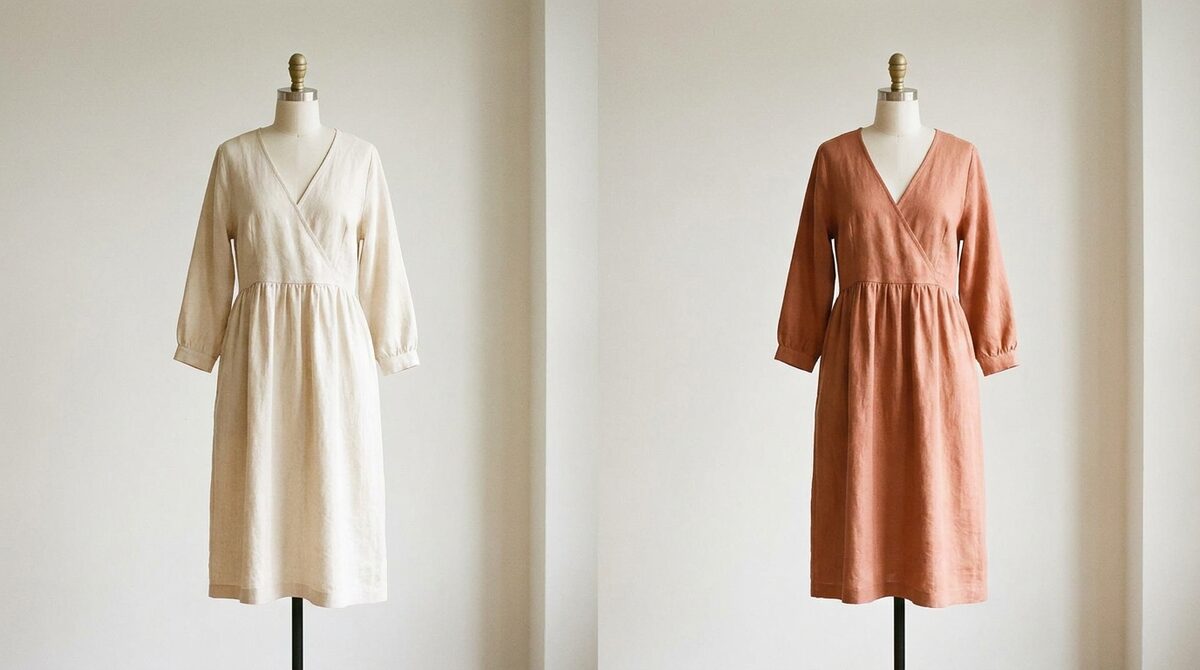
To change the clothes in a photo, an AI clothes changer swaps the garment on the person while keeping their pose and body realistic. For a Shopify store, that swap becomes a growth engine: it converts shoppers with a personal try-on, captures first-party leads, powers funnel analytics, and keeps photos zero-storage and GDPR-safe. 1Match runs it from your existing product images in a 10-minute setup.
How to change photo clothes with AI
To change photo clothes, you give an AI model two things — the photo and the target garment — and it renders the new outfit onto the person. It segments the body, estimates pose, fits the garment and matches lighting so the output looks photographed. Because it is image-based, there is no 3D model and no reshoot, and it runs in seconds from ordinary flat images.
Casual edits vs store try-on
Changing clothes in a photo can be a bit of fun or a serious sales tool. Consumers restyle selfies; retailers let shoppers change into real products on the product page. The difference is what wraps around the model: a store version connects to your catalogue, captures the shopper as a lead, and logs the interaction. That is what separates a novelty from a store try-on engine.
Why merchants change photo clothes
Fit and size drive about 70% of apparel returns. Letting a shopper change into your garment and see it on their own body removes the biggest doubt in online buying. That is why try-on reduces returns by an estimated 25–40% and lifts add-to-cart by around 18–28%. The effect hinges on realism, so strong image quality is the first thing to verify.
Not limited to clothing
Changing the clothes is only part of the picture. The best engines also swap accessories — rings on hands, glasses on faces, hats on heads. 1Match covers hands, face and body, so a single fashion-first tool works across a mixed catalogue rather than several separate ones.
Choosing a tool to change photo clothes
For a personal edit, pick any tool that respects your photo. For selling, insist on realistic output, coverage of your existing catalogue, fast setup, a zero-storage privacy stance, and data that flows into your funnel. Compare the retail contenders in our 2026 Shopify try-on apps guide and see the payback in our guide to reducing fashion returns.
From single edits to a shopping experience
Learning to change photo clothes on one image is a party trick; deploying it across a store is a strategy. The leap is in the wrapper. A store version keeps a running connection to your product catalogue so any garment is available, sits on the product page where the buying decision happens, and records each try-on as a lead and a funnel event. The rendering model may be similar to a consumer tool, but that surrounding machinery is what converts a fun swap into measurable revenue.
Getting inputs right and staying private
Two practical points decide whether changing clothes in a photo helps or hurts a store. First, inputs: clean, front-facing product shots and shopper photos produce the most convincing swaps, so guiding shoppers to a plain background and good light pays off. Second, privacy: the moment real customer photos are involved, an engine that keeps uploads becomes a liability. A zero-storage, GDPR-safe tool processes the swap and retains nothing, which lets you scale the feature without accumulating risk. Get those two right and the ability to change photo clothes becomes a dependable driver of conversion and lower returns rather than an occasional novelty.
The bottom line
Changing the clothes in a single photo is a neat trick; deploying that capability across a store is a growth strategy. The difference lives in the wrapper around the model — the catalogue connection, the product-page placement, the captured lead and the funnel event. Get your inputs clean and your privacy right, choose a fashion-first engine with strong image quality and a zero-storage guarantee, and the swap stops being a novelty and starts driving conversion and lower returns. Begin with one category, watch the numbers, and scale from there. Because it runs on existing photos and installs in minutes, the ability to change photo clothes is one of the fastest upgrades a fashion store can make.
Wired into a store, the ability to change photo clothes becomes a Shopify growth engine: it turns browsers into try-ons, captures native leads, feeds funnel analytics, and keeps every shopper photo zero-storage and GDPR-safe. Add it to your store with 1Match.
Frequently asked questions
How do I change the clothes in a photo?
Use an AI clothes changer: upload the photo, choose a new garment, and the model renders it onto the person realistically. There is no 3D or reshoot. On a store, 1Match does this from your existing product photos so shoppers see real items on themselves.
Can you change clothes in a photo realistically?
Yes. Modern engines preserve pose, body shape, fabric drape and print alignment so the result looks photographed. Quality varies by tool, so test difficult garments like patterns and layers before relying on it for selling.
Is changing clothes in a photo useful for a store?
Very. When shoppers can change into your products and see the fit on their own body, purchase hesitation drops and returns fall. The retail version adds lead capture and analytics so each change becomes a measurable funnel step.
Does changing clothes in a photo keep data private?
With the right tool, yes. 1Match is zero-storage and GDPR-safe, processing the photo for the try-on and keeping nothing. Free consumer tools often store uploads, so verify the policy before using customer images.
 Install on Shopify