
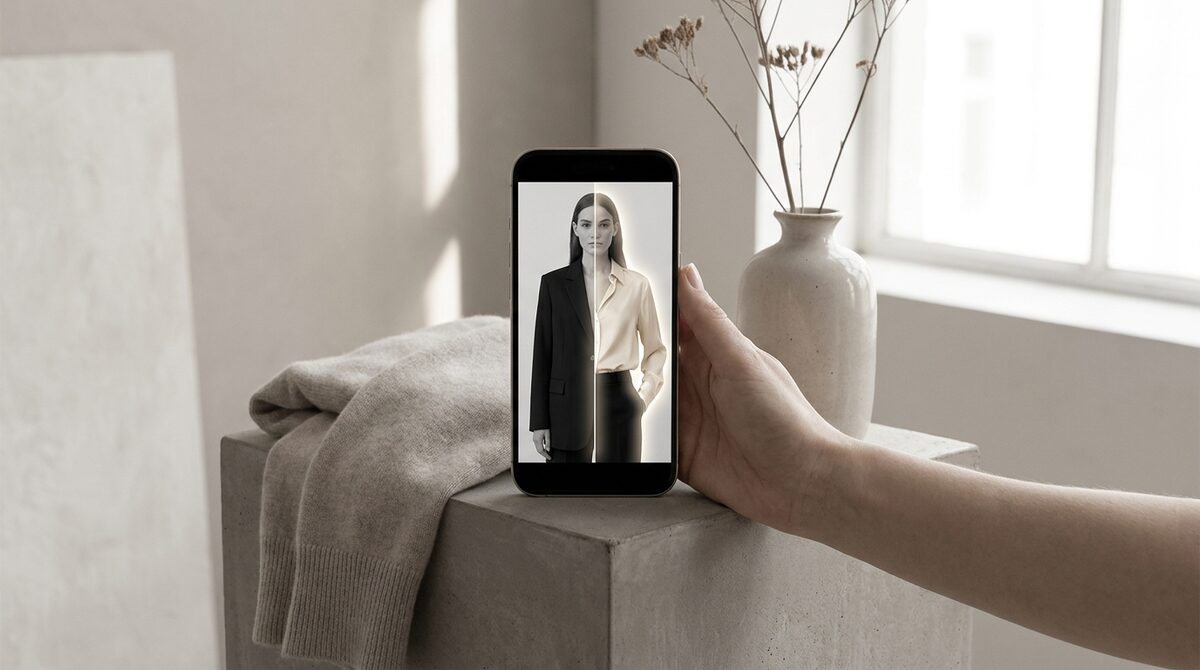
An AI clothes swap replaces the outfit in a photo with a different garment while keeping the person's pose, body and lighting realistic. For a Shopify fashion store, the right tool turns that swap into a growth engine: it converts browsers with a personal try-on, captures first-party leads at the moment of intent, feeds funnel analytics, and keeps shopper photos zero-storage and GDPR-safe. 1Match does this from your existing product photos in about 10 minutes.
What an AI clothes swap actually does
At its core, an AI clothes swap is image-to-image generation. You give the model two inputs — a person and a garment — and it renders the garment onto that person. Unlike an old-school overlay, a modern ai clothes swap understands body shape, so sleeves fall on arms, hems land at the right height, and a print stays aligned as the fabric curves. No 3D mesh is built and nothing is reshot; the model infers depth from the flat images it is given.
For merchants, that difference matters. A shopper who sees a dress on their own frame gets real fit information, not a guess based on a size-8 studio model. That is the same reason a well-built virtual fitting room outperforms a static size chart.
Why stores use an AI clothes swap
The commercial case is simple. Roughly 70% of apparel returns are driven by fit and size, and try-on tools cut those returns by an estimated 25–40% while lifting add-to-cart by about 18–28%. When a swap looks convincing, hesitation drops and carts fill. When it looks fake, it does the opposite — which is why strong image quality is the single most important feature to test.
There is a second, quieter benefit. Every swap is an engagement event. A tool built for retail captures that moment as a first-party lead and logs it in funnel analytics, so an AI clothes swap becomes a data source, not just a visual toy.
Consumer apps vs a store-grade AI clothes swap
Free consumer swap apps are fun for a single selfie, but they were not built to sell. They rarely handle your full catalogue, they do not attach a swap to a product page, and many store the uploaded photo. A store-grade tool works differently: it lives on the product page, runs on your existing images, and treats privacy as a feature rather than an afterthought.
| Need | Free consumer app | Store-grade (1Match) |
|---|---|---|
| Runs on your catalogue | No | Yes |
| Lead capture | No | Native |
| Funnel analytics | No | Yes |
| Photo storage | Often kept | Zero-storage |
What to look for before you commit
Judge an AI clothes swap on five things: image realism (does the fabric drape correctly?), category range (does it handle not just clothes but hands, face and body — rings, glasses, hats?), setup speed, privacy posture, and whether it feeds your marketing stack. 1Match is fashion-first and covers all of those, which is why it fits apparel stores rather than novelty use. For a broader view, compare options in our best virtual try-on apps for Shopify roundup.
Getting started
If you already have product photos and a Shopify store, you are most of the way there. Install the app, point it at your catalogue, and the AI clothes swap is live on your product pages the same day. Because there is no 3D pipeline, there is no long onboarding — a 10-minute setup is realistic.
A quick workflow for a first AI clothes swap
Merchants often assume adding a swap is a project. It is not. The practical sequence is short: pick your best-selling category to start, confirm your product photos are clean and front-facing, connect the tool to that collection, and run a handful of test swaps on sample shopper photos before going live. Because the engine works from your existing images with no 3D and no reshoot, there is nothing to model and nothing to book. Within an afternoon you can have a working ai clothes swap on a live product page and real data coming back.
Start narrow, then widen. Prove the swap on one category, watch the add-to-cart and return numbers move, then roll it across the catalogue. This staged approach keeps risk low and makes the impact easy to measure.
Common mistakes that ruin a clothes swap
Three errors account for most disappointing results. The first is poor source photography — busy backgrounds and extreme angles make any engine work harder, so clean, evenly lit product shots pay off. The second is treating the swap as decoration rather than a funnel step; if you do not capture the shopper as a lead or track the interaction, you throw away the most valuable part. The third is ignoring privacy: pushing customer photos through a tool that stores uploads is a compliance risk. A zero-storage, GDPR-safe engine removes that worry entirely, which is why it belongs on the shortlist from the start.
The bottom line for merchants
Treat an AI clothes swap as plumbing for your store, not a party trick. The stores that win with it are the ones that wire the swap into the buying flow, keep source photography clean, and pick a vendor whose privacy stance they can stand behind. Do that and the technology quietly does its job every day: shoppers see themselves in your products, buy with more confidence, and send fewer items back. Start with one collection, measure the lift, and expand once the numbers prove out. Because setup takes roughly ten minutes and runs on photos you already own, the barrier to trying it is about as low as it gets in ecommerce.
An AI clothes swap is more than a novelty when it is wired into your store correctly. Used as a Shopify growth engine, it converts browsers into try-ons, captures native leads, feeds funnel analytics, and keeps every shopper photo zero-storage and GDPR-safe. See how it works on the App Store with 1Match.
Frequently asked questions
What is an AI clothes swap?
An AI clothes swap uses a machine-learning model to replace the garment a person is wearing in a photo with a different one, keeping their pose, body and lighting intact. On a store, it lets a shopper see your product on their own body instead of a studio model. The result looks like a real photo, not a 3D render.
Do I need 3D models or reshoots to run an AI clothes swap?
No. Modern tools like 1Match work directly from your existing flat product photos, so there is no 3D modelling, no reshoot and no photographer booking. You upload the same images you already sell with and the AI handles the rest. Setup takes about 10 minutes.
Is an AI clothes swap accurate enough for online selling?
Quality has jumped in the last two years. Good engines preserve fabric drape, print alignment and fit cues, which is exactly what shoppers need to judge size. Strong image quality is what turns a fun gimmick into a real conversion tool that reduces returns.
Is shopper data safe during an AI clothes swap?
It depends on the vendor. 1Match is zero-storage and GDPR-safe: shopper photos are processed for the try-on and not retained. That protects your customers and keeps your store compliant while you still capture first-party leads.
 Install on Shopify