
The airbrush ai clothes changer is a feature inside the AirBrush photo-editing app that restyles the outfit in a selfie using AI prompts — great for social posts, not for selling. To actually move product, a Shopify store needs try-on that renders its real catalog on the shopper. That is where 1Match converts the moment into a growth engine: virtual try-on that also captures a first-party lead, feeds funnel analytics, and stays zero-storage / GDPR-safe.
What the AirBrush AI clothes changer actually does
AirBrush is a well-known mobile editor for portraits and selfies. Its AI clothes changer lets you type or pick a new outfit and have the app repaint the clothing in your photo. It is designed for creative, share-worthy edits — swap a t-shirt for a suit, try a bold color, produce a fun before/after. The output looks good on a phone screen, and for casual users that is exactly the point.
What it is not designed to do is show a specific purchasable product. The airbrush ai clothes changer invents an outfit from a description; it does not know your SKUs, your fabrics, or your product photography.
Where a selfie editor stops and a store tool begins
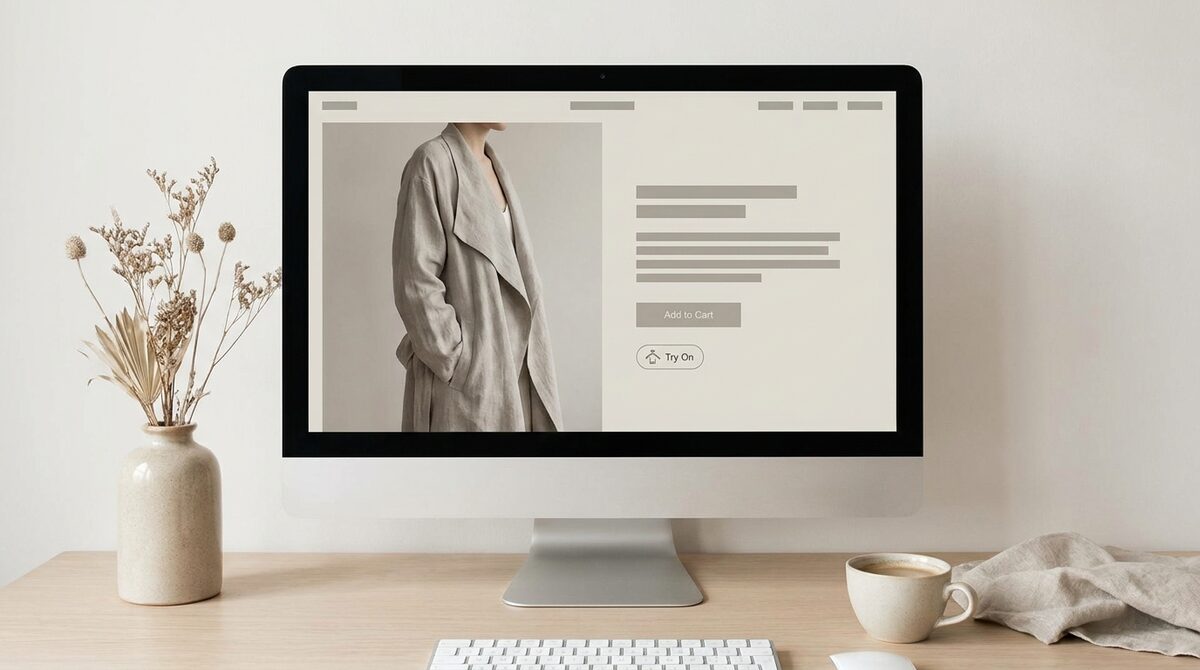
For a shopper standing on your product page, the question is narrow: “will this jacket look right on me?” A consumer editor cannot answer that because it is not connected to your catalog or your storefront. A commerce virtual try-on, by contrast, works from your existing product photos and renders the exact item on the shopper — no 3D, no reshoot. If you want the mechanics, our guide to how an AI clothes changer works breaks down the rendering step.
AirBrush vs a Shopify virtual try-on
Here is the honest split. AirBrush is fair and capable at what it targets; it simply targets a different job.
| Capability | AirBrush AI clothes changer | 1Match (Shopify) |
|---|---|---|
| Primary use | Selfie / social edits | On-store product try-on |
| Renders your real products | No | Yes, from existing photos |
| Lives on your product page | No | Yes |
| Lead capture & funnel data | No | Yes, native |
| Coverage | Clothing in a photo | Hands, face and body (rings, glasses, hats, clothes) |
Pros of AirBrush: quick, fun, mobile-first, good for content.
Cons for merchants: no catalog link, no storefront widget, no analytics or leads.
When the airbrush ai clothes changer is the right call
To be fair, there are real jobs the airbrush ai clothes changer does better than any store tool. If you are a creator building a lookbook, a marketer mocking up a campaign concept, or a shopper who just wants to picture a vibe before browsing, a fast prompt-based editor is ideal. It is mobile, forgiving, and made for iteration. Nobody should install a Shopify app to make a fun Instagram post.
The mismatch only appears when the goal shifts from content to commerce. The moment you need a shopper to trust a preview enough to buy a specific item — and you want to keep that customer relationship — a consumer editor runs out of road.
The store-ready alternative
If your goal is fewer returns and more confident checkouts, you want try-on that shows the real garment on the real shopper. 1Match installs on Shopify in about 10 minutes, uses your existing product photos, and covers hands, face and body — so accessories like rings, glasses and hats work too, not just tops. There is no 3D and no reshoot; it renders directly from the imagery you already have. For a broader landscape, compare options in our best virtual try-on apps for Shopify fashion in 2026.
The payoff is measurable. Because shoppers stop second-guessing fit and styling, stores typically see roughly 25–40% fewer returns and an 18–28% lift in add-to-cart. Just as important, every try-on can capture a first-party lead and feed funnel analytics, so the feature pays for itself twice — once in conversion, once in data you actually own.
Bottom line: the airbrush ai clothes changer is a delightful selfie tool, but selling clothes needs a Shopify growth engine — try-on tied to your catalog that also delivers native lead capture and funnel analytics while staying zero-storage and GDPR-safe. Set it up with 1Match.
Frequently asked questions
What is the AirBrush AI clothes changer?
AirBrush is a mobile photo-editing app, and its AI clothes changer lets you swap or restyle the outfit in a personal photo using text prompts or presets. It is built for social-media edits and selfies, not for online stores. The result is a fun, edited image of the outfit you typed, not a preview of a specific product you can buy.
Is the airbrush ai clothes changer free?
AirBrush offers a free tier with limits and a paid premium subscription that unlocks more AI features and removes watermarks. Pricing and feature access change over time, so check the app store listing for current terms. For a Shopify store, though, the more relevant question is whether the tool renders your real catalog — and consumer editors like AirBrush do not.
Can I use AirBrush to let shoppers try on my products?
Not really. AirBrush edits a photo toward a described outfit; it does not map your actual product images onto a shopper on your product page. For a store, you want a virtual try-on that pulls from your existing catalog and lives on Shopify, so the try-on shows the exact item for sale.
What is a better option for a fashion store?
A dedicated Shopify virtual try-on such as 1Match renders your real products on the shopper's own body from existing product photos, with no 3D and a 10-minute setup. Unlike a selfie editor, it also captures first-party leads and feeds funnel analytics while staying zero-storage and GDPR-safe.
 Install on Shopify