
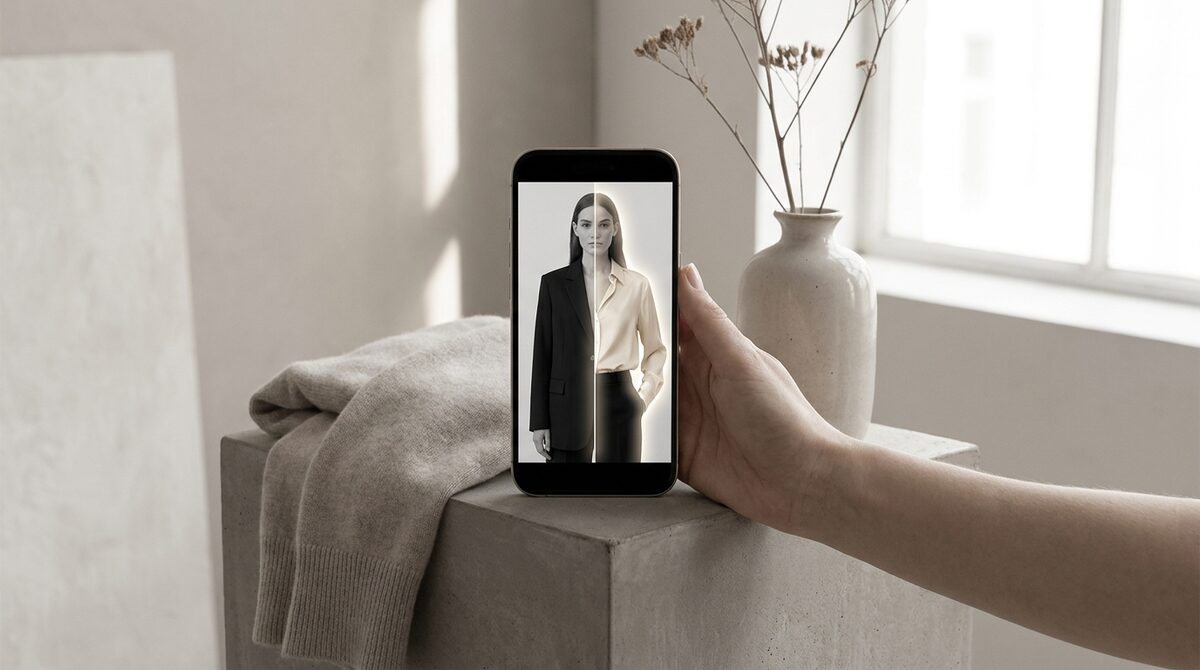
What to look for in an app to change clothes color
Three things separate a great app to change clothes color from a frustrating one: automatic garment detection so you are not tracing outlines, luminance preservation so recolors look real, and export quality high enough for your purpose. Nail those and a single photo can become an entire palette.
Top apps to change clothes color
1. Mobile AI editors
Pros: One-tap on your phone, free tier available. Cons: Watermarks, resolution caps. Verdict: Best for quick personal edits.
2. Web recolor tools
Pros: No install, works on any device. Cons: Upload required, privacy varies. Verdict: Great for occasional desktop edits.
3. Shopify virtual try-on
Pros: Recolors on the shopper, cuts returns, 10-minute setup. Cons: For merchants, not casual users. Verdict: The only option that converts.
| App type | Audience | Main benefit |
|---|---|---|
| Mobile editor | Individuals | Convenience |
| Web tool | Individuals | Accessibility |
| Try-on app | Stores | Conversions |
Editing apps vs. selling apps
A consumer editing app answers "what would this look like in blue?" A store try-on app answers "what would this look like in blue, on me?" — a far more powerful question for driving a sale. That is why merchants graduate from editors to try-on. Our clothes changer explainer covers the shared technology, and the best Shopify try-on apps compares the merchant options.
The return-reduction math
Color and fit uncertainty drive roughly 70% of apparel returns. When a shopper confirms the exact shade on their own body, that uncertainty largely disappears. Stores using try-on report 25–40% fewer returns and an 18–28% lift in add-to-cart — a direct margin improvement no standalone editor can deliver.
Beyond clothes
The best try-on apps are not limited to shirts and dresses. Because they cover hands, face and body, they also handle rings, glasses and hats — so accessory and eyewear brands get the same color-preview advantage. Setup takes about ten minutes, works from existing product photos, and needs no 3D.
The best app to change clothes color, in the end, is the one that matches your goal. For personal edits, pick convenience. For a store, pick the version that reaches the shopper and hands you something back. That is the quiet distinction between an app that entertains and an app that earns.
What great color apps have in common
Across mobile, web and embedded tools, the best color apps share a few traits: they detect garments automatically, they preserve lighting so recolors look real, and they let you specify exact shades rather than vague presets. Miss any of those and the app becomes a source of frustration rather than speed. Use that checklist and you will filter out the noise quickly.
For a store, add one more requirement: the app should reach the shopper and capture something in return. An embedded try-on recolors on the buyer's photo, cuts returns, and hands you a first-party lead and funnel data with each interaction. That combination — realism plus reach plus measurement — is what separates a genuine growth tool from a pretty utility.
Desktop, mobile, or embedded: choosing by workflow
The best app depends less on features and more on where the work happens. If you recolor on the go, a mobile app wins on convenience. If you batch-edit at a desk, a web tool with a bigger canvas is easier. And if the "editing" is really about helping customers decide, then the app should not live on your device at all — it should live in your storefront, where the shopper is.
That last category is where a lot of merchants get the decision wrong. They buy a powerful editor, produce beautiful recolored shots, and still watch color-related returns pile up, because the shopper never got to see the shade on themselves. Matching the tool to the job — consumer editor for content, embedded try-on for conversion — is the difference between a nice-to-have and a measurable lift.
An app to change clothes color is a fun, useful tool. But if you run a Shopify fashion store, the real opportunity is turning color choice into a growth engine. 1Match shows every colorway on real shoppers with strong image quality, captures native leads, feeds funnel analytics, and stays zero-storage and GDPR-safe.
Frequently asked questions
What is the best app to change clothes color?
The best app to change clothes color uses AI to auto-detect the garment and preserve texture. Mobile editors are convenient for one-off edits, while a Shopify try-on app is best for stores that want shoppers to preview colorways themselves.
Are apps to change clothes color free?
Many offer a free tier with watermarks or export limits. Paid plans unlock higher resolution. For merchants, the return-reduction value of a try-on app usually outweighs any per-image editing cost.
Do these apps work on Android and iPhone?
Most popular color-changing apps run on both platforms, and browser-based tools work on any device. A Shopify try-on app works on the shopper’s phone directly inside your storefront.
Can an app to change clothes color help reduce returns?
A standalone editor cannot, because it never reaches the buyer. A try-on app that recolors on the shopper’s photo does, because it removes color doubt before purchase and cuts fit-related returns.
 Install on Shopify