
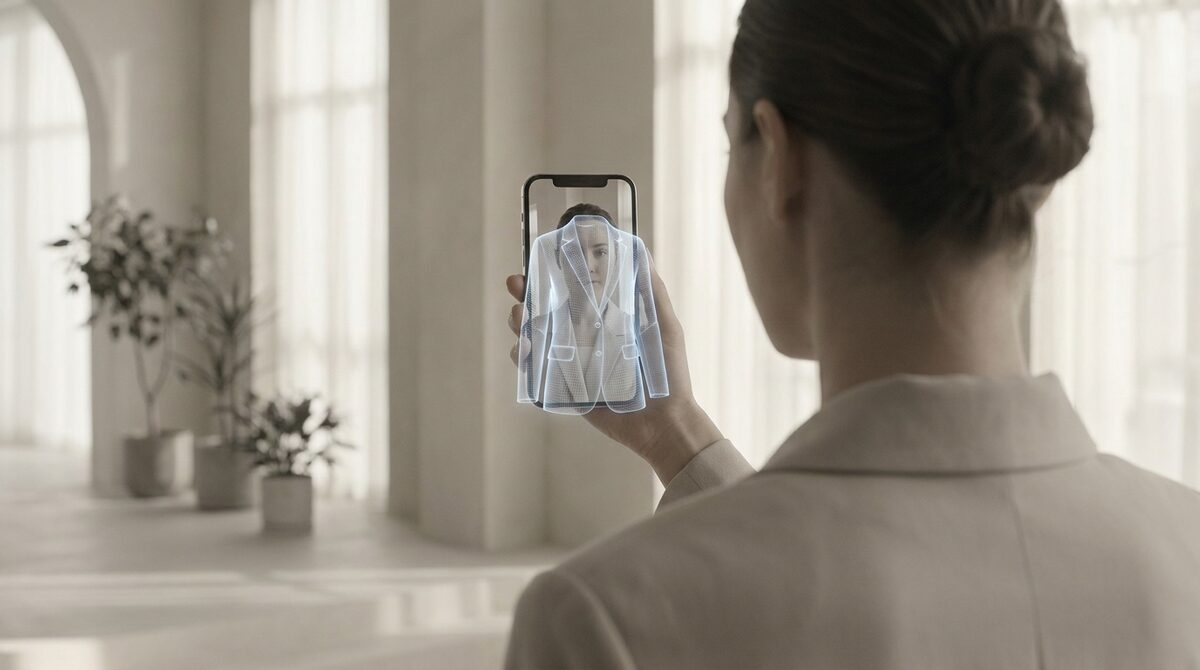
AR clothing try on lets shoppers preview real garments on their own body before they buy — no fitting room, no guesswork. With 1Match, that preview also converts into a growth engine: every try-on captures a first-party lead, feeds your funnel analytics, and runs zero-storage / GDPR-safe so shopper photos are never retained. The payoff is fewer returns and more confident carts.
What AR clothing try on really means in 2026
For years “AR clothing try on” meant clunky 3D avatars or gimmicky camera filters. The modern version is different. AI now maps a garment straight from your existing product photos onto a shopper’s uploaded image, with strong image quality and correct draping — no 3D, no reshoot, no headset. Shoppers see themselves wearing the piece, which is exactly the confidence signal a flat product photo can never give.
Because it works from photos you already have, AR clothing try on is now practical for ordinary Shopify fashion stores, not just billion-dollar brands. If you want the full landscape, our virtual fitting room explained guide breaks down every approach side by side.
Why AR clothing try on cuts returns
Around 70% of apparel returns come down to one thing: the item did not look or fit the way the shopper expected. AR clothing try on attacks that directly. When a customer sees a dress on their own frame — not a size-2 model — they set realistic expectations before checkout. Stores that add try-on commonly see 25–40% fewer returns and an 18–28% lift in add-to-cart. We go deeper on the mechanics in how to reduce returns for an online fashion store.
Beyond clothes: hands, face and body
Great AR try-on is not limited to shirts and dresses. The same rendering that places a jacket on a torso can put a ring on a hand, glasses on a face, or a hat on a head. That hands, face and body range matters if you sell accessories alongside apparel — one tool covers the whole catalog. 1Match is fashion-first but handles rings, glasses, hats and clothes from the same simple upload flow.
The growth-engine angle most stores miss
Here is what turns AR clothing try on from a cute feature into revenue: the data. Every time a shopper tries something on, you can capture a first-party lead (email or account) and log intent signals into funnel analytics — which products get tried, which convert, where drop-off happens. That is a genuine growth engine, not just a widget. And with zero-storage processing, you get all of it while staying GDPR-safe.
How to add AR clothing try on to Shopify
The practical path is short. Install an app, connect it to your existing product images, and enable the try-on button on product pages. With 1Match the whole thing is roughly a 10-minute setup because it reads your current photos — there is nothing to remodel or reshoot.
Bottom line: AR clothing try on is no longer a novelty. Done right, it is a Shopify growth engine — realistic try-on that also drives native lead capture and funnel analytics while keeping shopper photos zero-storage and GDPR-safe. You can enable it on your store in minutes with 1Match.
Frequently asked questions
What is AR clothing try on?
AR clothing try on is technology that overlays or renders a garment onto a shopper’s own photo or live camera view so they can preview fit and style before buying. Modern versions use AI to map clothing from existing product photos onto the body, so there is no 3D modelling or reshoot required. The result is a realistic preview that answers the “will this look right on me?” question at the exact moment of decision.
Does AR clothing try on actually reduce returns?
Yes. Roughly 70% of apparel returns are driven by fit and size uncertainty, and letting shoppers see a garment on their own body before buying removes much of that guesswork. Stores using virtual try-on typically report 25–40% fewer apparel returns. Fewer surprise deliveries also means fewer restocking and shipping costs.
Do I need special hardware for AR clothing try on?
No. App-based AR try-on runs in the shopper’s browser on a normal phone or laptop — no headset, depth sensor, or app download required. With a tool like 1Match the shopper simply uploads a photo and the garment is rendered from your existing product images. Setup on the store side takes about ten minutes.
Is AR clothing try on safe for customer photos?
It can be, if the vendor is built for it. 1Match processes photos on a zero-storage basis so shopper images are not retained, which keeps you GDPR-safe. Always confirm a provider’s data-retention policy before enabling any photo-based feature on your storefront.
 Install on Shopify