
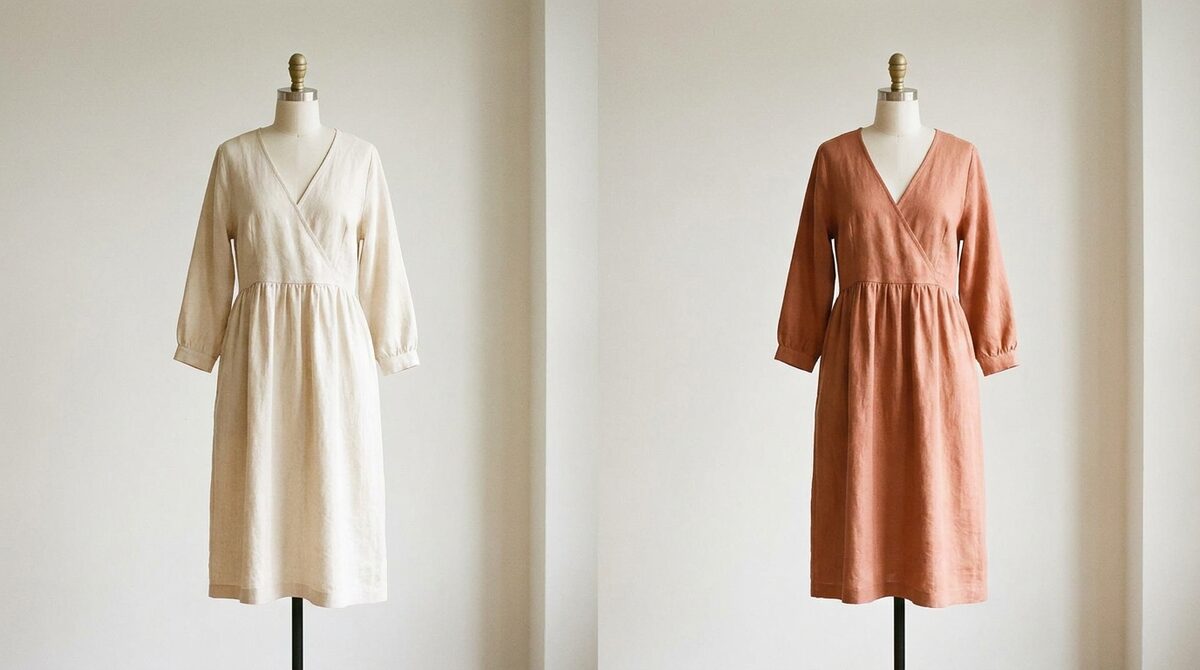
An outfit changer swaps the clothing in a photo for a different look using AI, keeping the person realistic. For a Shopify store, the right one is a growth engine: it converts shoppers with a personal try-on, captures first-party leads, powers funnel analytics, and keeps photos zero-storage and GDPR-safe. 1Match runs it from your existing product photos with a 10-minute setup.
What an outfit changer does
An outfit changer takes a photo and re-dresses the person in it. Under the hood it reads pose and body shape, then renders a new garment with realistic drape and lighting. There is no 3D model and no reshoot — the result is generated from flat images. For everyday users this is a fun creative tool; for retailers it is a way to show products on the actual shopper.
Two very different use cases
Consumers use an outfit changer to restyle selfies, test looks or make content. Merchants use it to answer the fit question on the product page. The technology overlaps, but the retail version needs three extra things a consumer app lacks: it must run on your whole catalogue, capture the shopper as a lead, and report engagement into your funnel. That is the line between a novelty and a virtual fitting room that sells.
Why stores add an outfit changer
Fit and size cause about 70% of apparel returns. A convincing outfit changer lets shoppers judge fit before buying, which reduces returns by an estimated 25–40% and lifts add-to-cart around 18–28%. The catch is realism: the effect only works when the render looks photographed. Strong image quality is therefore the first thing to test.
More than clothes
Despite the name, the best outfit changers are not limited to shirts and dresses. 1Match works across hands, face and body — rings, glasses, hats and garments — so a single tool covers a mixed catalogue. That range, plus a fashion-first look, keeps your product pages consistent.
Picking an outfit changer for your store
Look for realistic output, coverage of your existing photos, a fast install, a clear privacy stance, and data that flows back to you. A consumer outfit changer will not do those; a store-grade one will. If you are weighing options, our best Shopify apps for clothing stores guide is a good starting point.
Getting live quickly
Because there is no 3D pipeline, setup is fast. Install, connect your catalogue, and the outfit changer appears on your product pages the same day. No reshoot, no photographer, no long onboarding.
Outfit changer use cases beyond the product page
Once an outfit changer is running on your store, its value spreads. Marketing teams use it to generate on-model looks for email and social without a photoshoot. Merchandisers preview how a new drop will look on a range of body types before committing stock. Customer-service teams answer "will this fit me?" questions by pointing shoppers to the try-on. One engine, many jobs — all from the same existing product photos, with no reshoot needed for any of them.
Fit confidence and the return problem
Returns are the quiet tax on every online fashion store. Shipping both ways, restocking, and lost margin add up fast, and fit or size drives roughly 70% of them. An outfit changer attacks the root cause: uncertainty. When a shopper sees a garment on their own body rather than a studio model, they buy the right size more often and send back less. The measurable result is a 25–40% drop in returns and an 18–28% lift in add-to-cart, which is why the tool tends to pay for itself well before you finish rolling it out across the catalogue.
The bottom line
An outfit changer earns its keep when it stops being a novelty and becomes part of how your store operates. Used well, one engine feeds your product pages, your marketing creative and your customer-service answers, all from the flat photos you already have and with no reshoot. The wins compound: fewer returns, higher add-to-cart, fresher content, and a privacy posture you never have to apologise for. Start narrow, prove the impact on one category, then scale. Because the setup is measured in minutes rather than weeks, there is little reason to keep putting it off — the sooner it is live, the sooner shoppers stop guessing and start buying with confidence.
Treated as a Shopify growth engine, an outfit changer does far more than restyle a photo: it converts browsers into try-ons, captures native leads, feeds funnel analytics, and keeps every shopper photo zero-storage and GDPR-safe. Add it to your store with 1Match.
Frequently asked questions
What is an outfit changer?
An outfit changer is an AI tool that replaces the clothing on a person in a photo with a different outfit, keeping their pose and body natural. It is used both for creative photo edits and, on stores, for letting shoppers preview products on themselves.
Can an outfit changer work from a normal phone photo?
Yes. Good engines work from ordinary photos with no special lighting or 3D scan. On a store, 1Match goes further and works from your existing flat product images, so shoppers see real garments rather than generic clothing.
Does an outfit changer only do clothes?
The better ones do more. 1Match handles hands, face and body, so it can add rings, glasses and hats as well as shirts and dresses. That makes it useful for mixed catalogues, not just apparel.
Is an outfit changer safe to use on customer photos?
With the right vendor, yes. 1Match is zero-storage and GDPR-safe, so shopper photos are processed for the try-on and not kept. Free consumer outfit changers often retain uploads, so read the privacy policy before use.
 Install on Shopify